Urive Zest ... 39 ... User's Guide
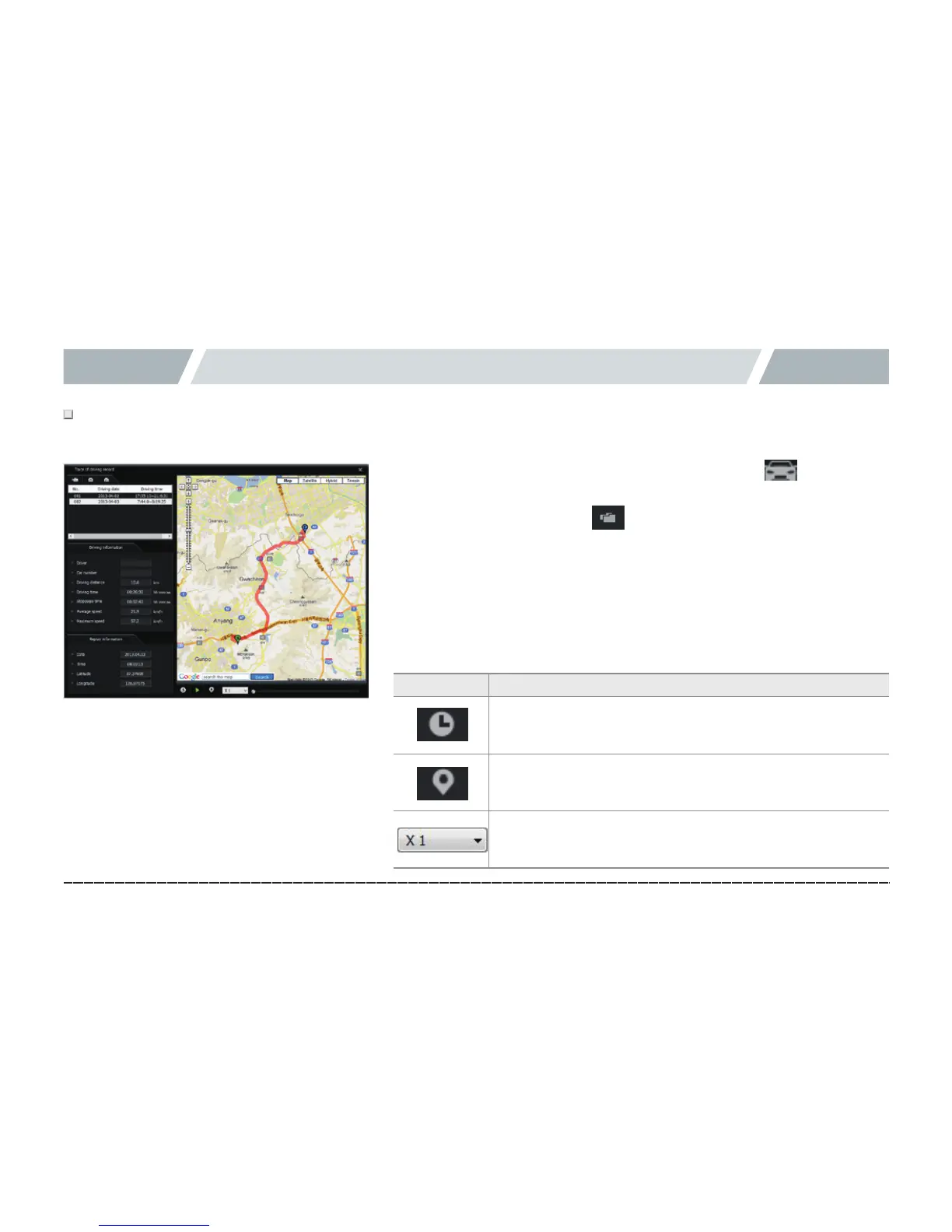
11. PC Viewer -Driving record
# Driving record is saved every 10 seconds in the driving mode. 1 Dat file can save the driving record up to 1 month.
However, GPS signal must be stable.
1.# Insert a micro SD card into the PC, and, then, press in the Viewer
to show the driving record mode screen (on the left).
2.# On the screen, press the button, and, then, select a .dat file in
Setup folder of micro SD card to show the driving record list sorted by
date.
3.# Click an item to show the driving path.
※Upto5.datfilescanbesaved.
Icon Meaning
Shows the driving date and time while playing the
driving path.
Shows markers on the driving path while playing it.
Plays a driving path in ½×, 1×, 2×, or 4× speed.



 To Next Page