Urive Zest ... 40 ... User's Guide
11. PC Viewer -Open file
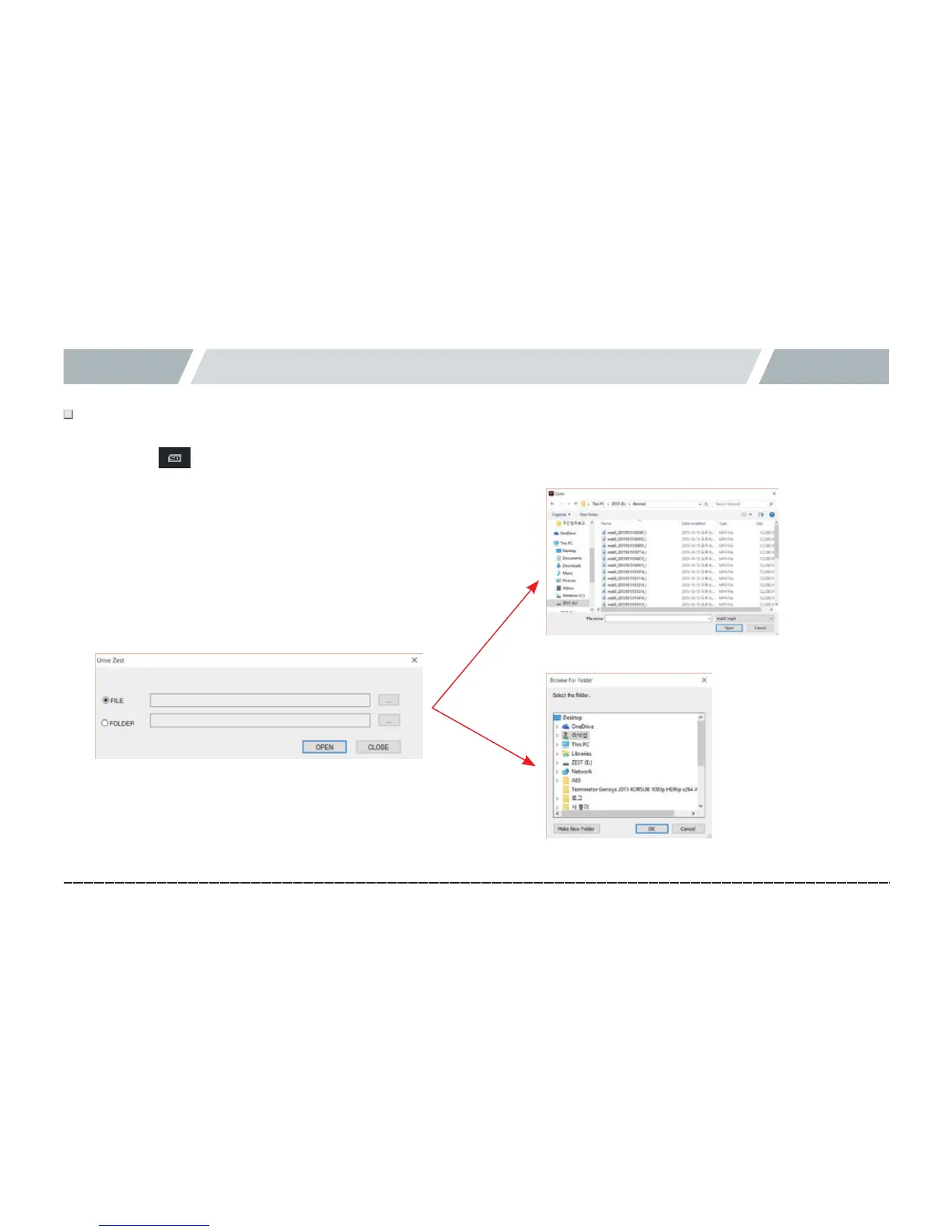
# In the PC Viewer, a black box video (prefixed with MDR) can be selected and played from a micro SD card or PC.
1.# Select the button in the main screen.
2.# Select a file or folder, and, then, press Open.
3.# Selected files are added to the video list and automatically
played back from the first one.
[Fileselectprompt]
[Folderselectprompt]



 To Next Page