Urive Zest ... 44 ... User's Guide
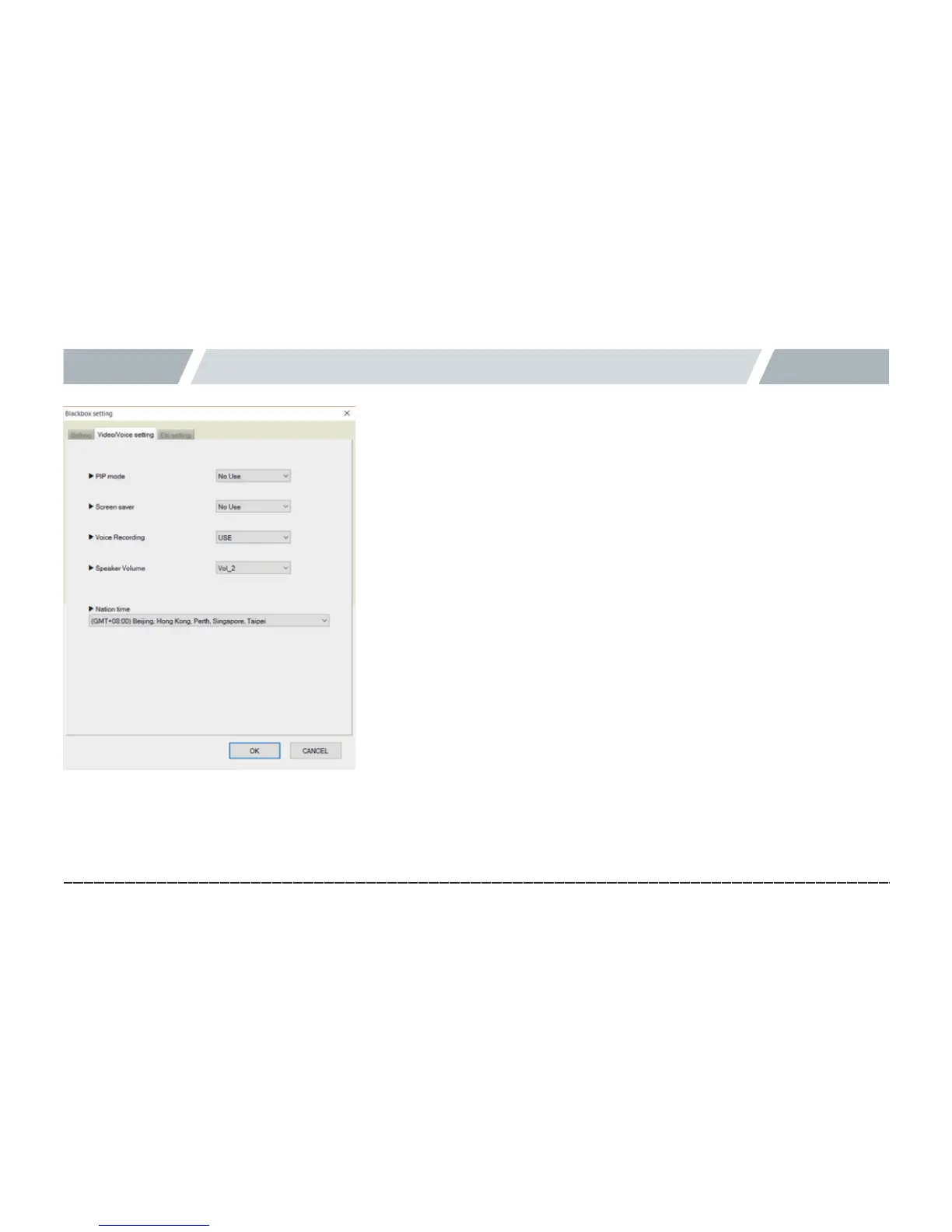
12. Black box configuration -Display/voice setting
[Displaysetting]
[ Display setting ]
1.
#
Select the Display setting tab to set the PIP mode and the screen
saver.
2.
#
PIP mode: PIP mode shows the real-time front- and rear-view
videos on the LCD. You can set to enable or disable it.
3.
#
Screen saver: The screen switches to a screen to show the clock, GPS
signal, mute, event save, and voice information state after a certain
time with no action. You can select Clock, Speed, or None.
Press the LCD with the screen saver on to return to the front- or rear-
view video as before.
When on standby for 1 minute in the screen saver mode, the LCD is
automatically turned off. Touch the LCD when it is off to switch to the
screen saver mode.
4.
#
Press the OK button to finish the configuration.



 To Next Page