MT124-032M 511
10.8 Factory reset of IPerCom 2Voice Gateway
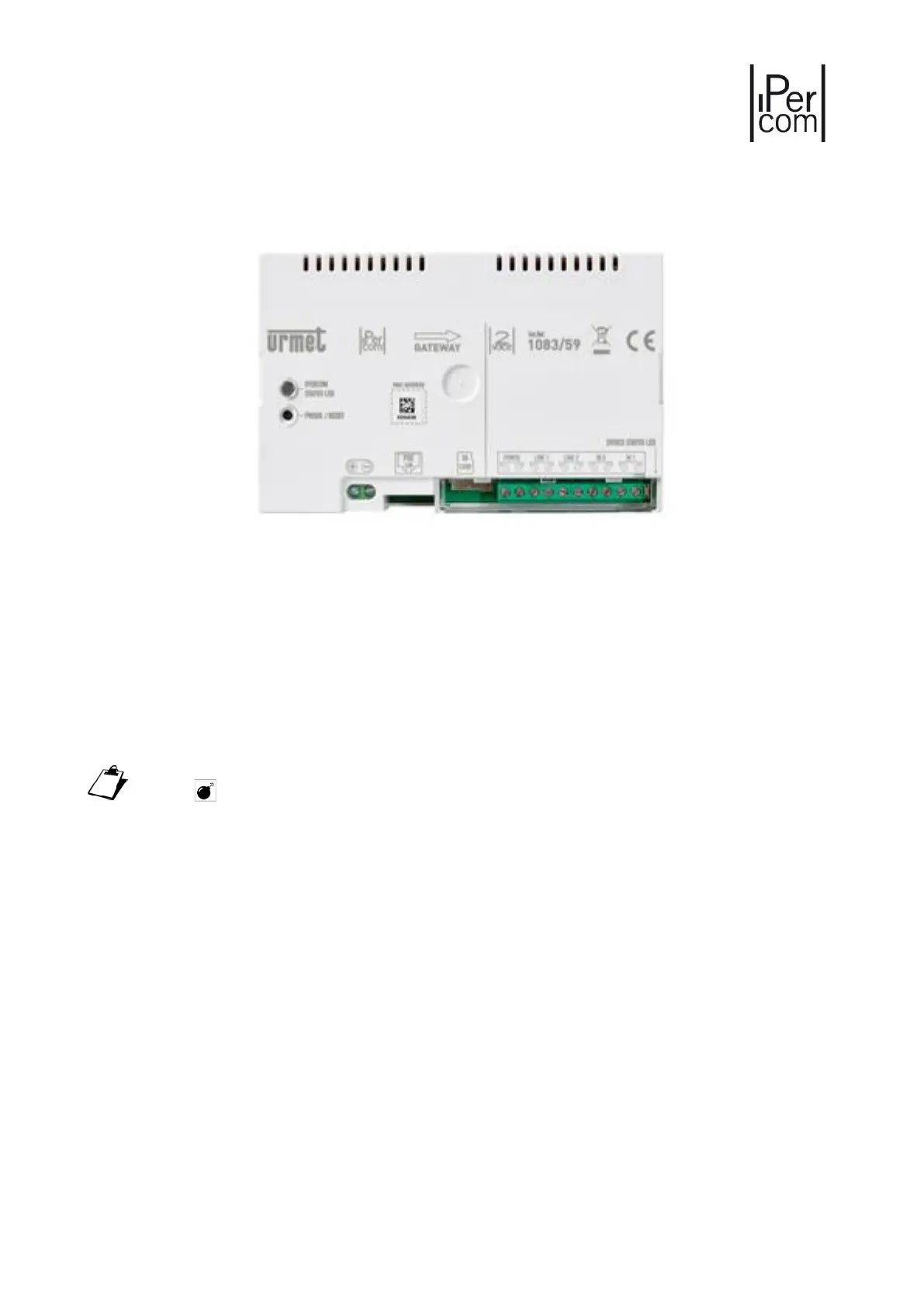
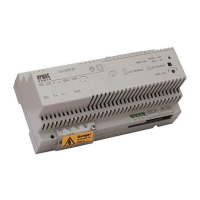
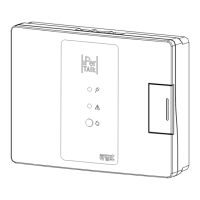
Figure 680: IperCom 2Voice Gateway 1083/59
To perform a factory reset on a gateway, press the Reset button five times in a row (less than 1s in
between). The device will be reset to default parameters; all configurations will be lost. Hold same button
pressed for more than 10 seconds to make an hardware reboot the device. For more details, refer to the
device installation manual at www.urmet.com
The reset to factory settings can be carried out also via the Ipercom Installer Tools application
(button of the Diagnostic tab).





 To Next Page