190 MT124-032D
6.3.12 Exporting the configuration to an SD card
It is recommended to make always a copy of the configuration on a file by means of export to SD card.
To this purpose, in the configuration menu, in the sub-menu "System configuration” there is the function
"Export configuration to SD card", which allows saving the current configuration to the SD card.
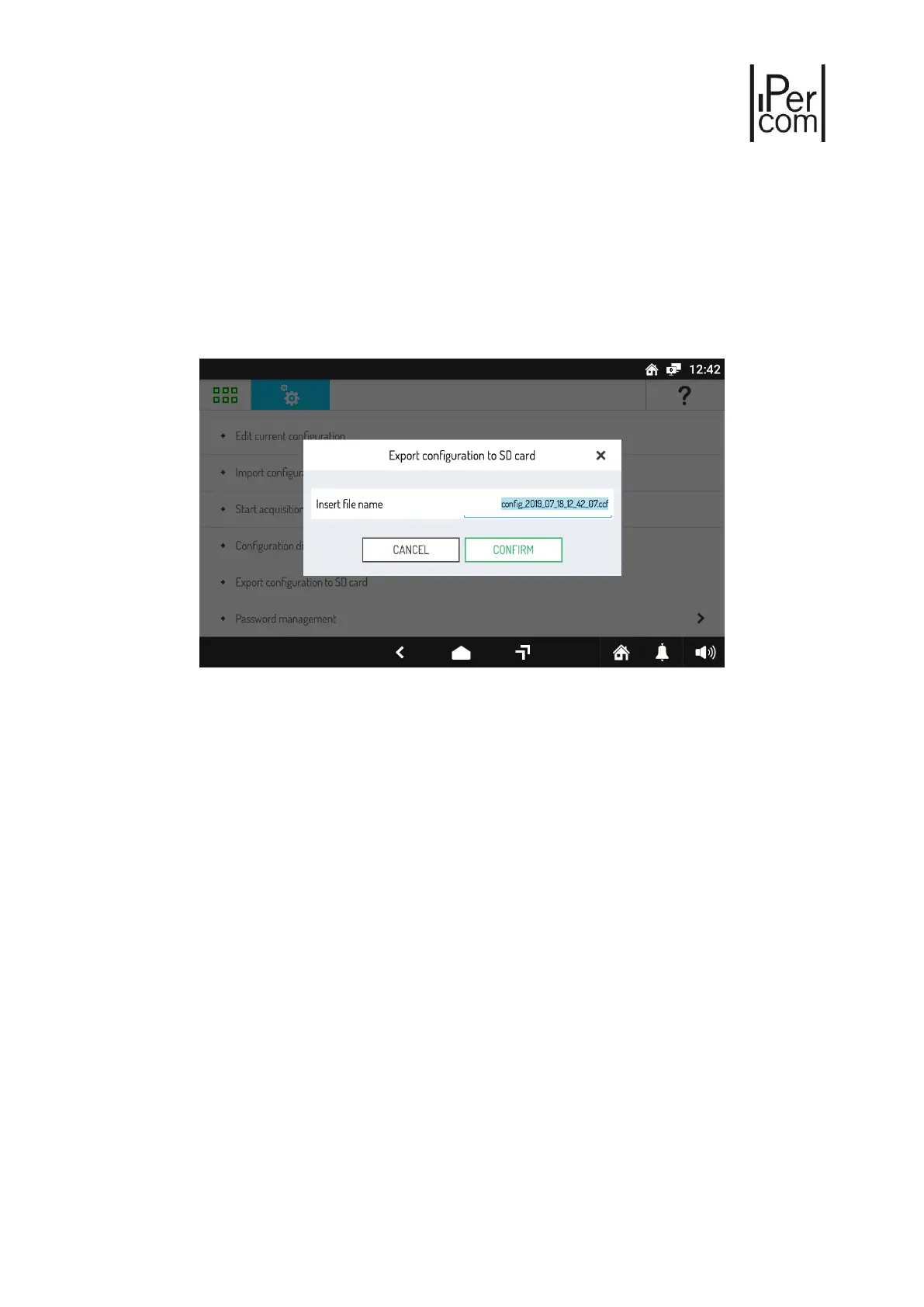
Once the SD card has been inserted and the above item has been selected, the following window will open:
Figure 261: Exporting the configuration to SD card
Assign a name to the file to export, then press "CONFIRM” to export to the SD card.



 To Next Page