MT124-032D 71
The following paragraphs describe the procedures for creating contacts according to the needs shown
above.
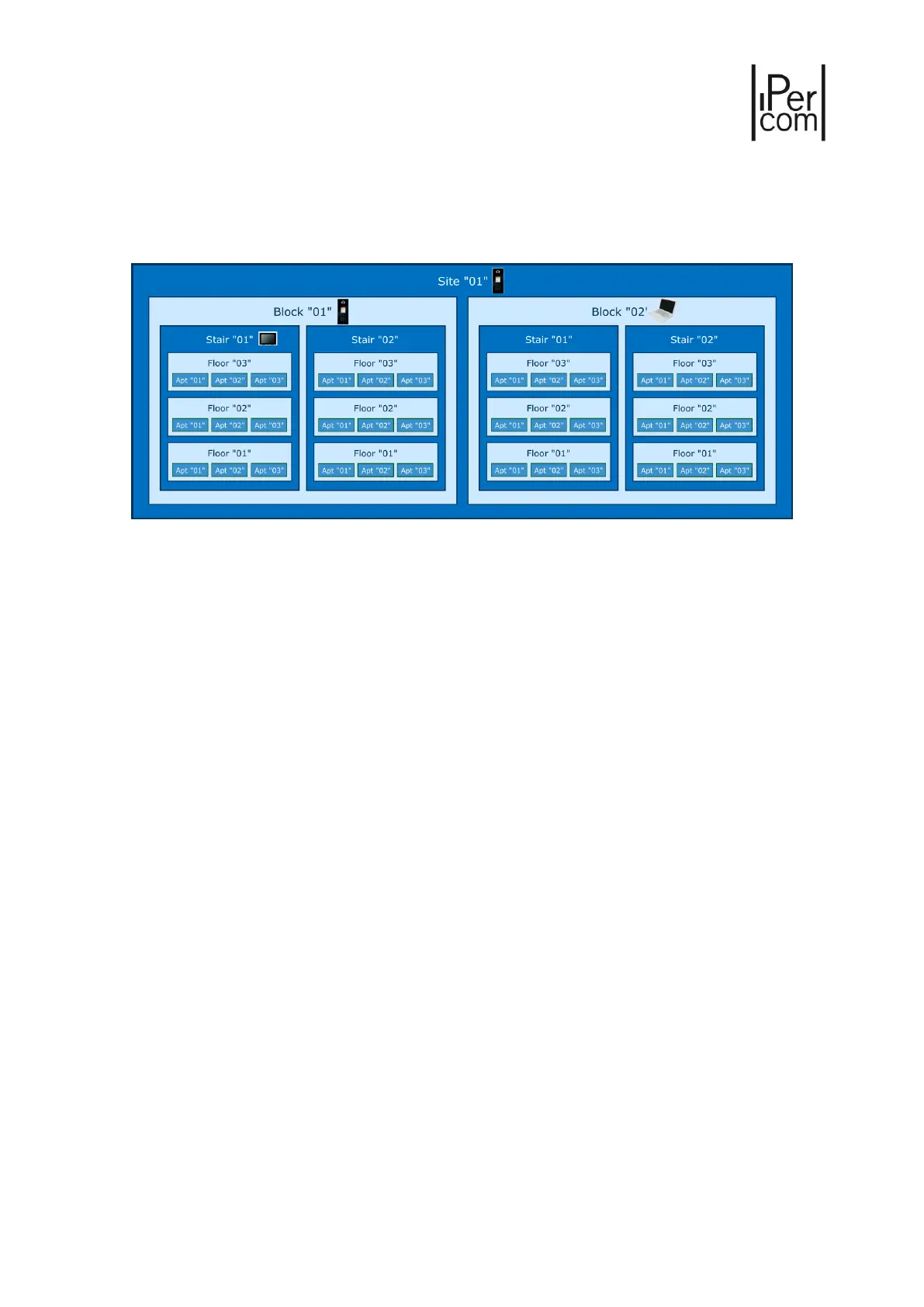
As a common example we take a Multi Block project whose topology is shown in the figure:
Figure 68: Example of system topology for the creation of the address book
The system consists of two blocks with two stairs each, three floors per stair and three apartments per
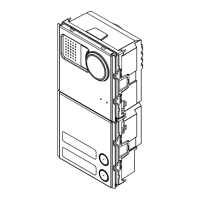
floor. We will assume there is a Call Module on the site, one in block "01", a Switchboard in block "02", a
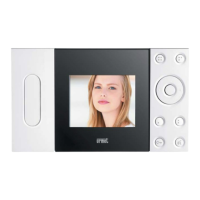
MAX monitor in Stair "01" of block "01" and a MAX monitor plus an Audio Door Phone in each apartment
(not shown in the figure for the sake of simplicity).
6.3.4.1 Allowing calls from Audio Door Phones and/or Call Modules to MAX monitors and Audio Door Phones
In order to be able to call a MAX monitor and/or an Audio Door Phone from other MAX monitors in the
system, it is necessary to add a contact in the address book of the latter.
The recipient of the contact may be:
• a single device positioned in a topological node;
• a set of devices positioned in a topological node.
The difference between the two cases is shown in the example in Figure 68: every apartment has a MAX
monitor and an Audio Door Phone. We will suppose that one of these apartments, e.g. the one with
topological code "0101010101", is a dental practice.
If you want to call only the MAX monitor present in the dental practice from the apartment with topological
code "0101010102", add a contact in its address book having that device as target. If, instead, you want to
make both the MAX monitor and the Audio Door Phone in the dental practice ring, the contact must be the
set of devices in the dental practice, that is in the topological node in which they are placed.



 To Next Page