2 MT124-032D
Contents MT124-032D Version 1.4.0
1 Introduction ............................................................................................................................................... 6
2 IPerCom devices and functions offered by the system ............................................................................. 7
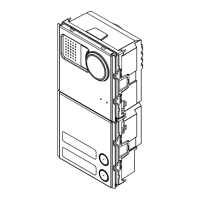
2.1 Call Module 1060/12-13-17-18 ......................................................................................................... 8
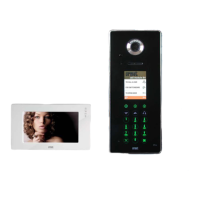
2.2 Entry Panel 1060/71-74-75................................................................................................................ 8
2.3 Entry Panel 1060/21 .......................................................................................................................... 8
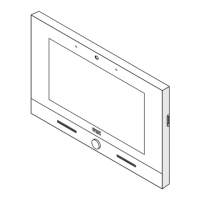
2.4 MAX 1717/31-32-33-34-41 ................................................................................................................ 8
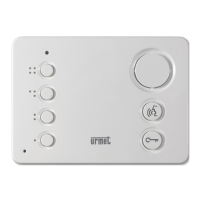
2.5 Audio Door Phone 1160/3 ................................................................................................................. 9
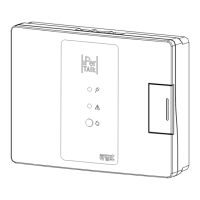
2.6 Relay actuator 1060/84 v. 2.07 ......................................................................................................... 9
2.7 Relay actuator 1060/84 v. 3.04 ......................................................................................................... 9
2.8 Key Reader 1060/82 .......................................................................................................................... 9
2.9 Switchboard 1060/41 ........................................................................................................................ 9
2.10 IPerCom Clock Module 1060/85 ...................................................................................................... 10
2.11 Gateway IPerCom-2Voice 1083/59 ................................................................................................. 10
2.12 Private Call Module 1060/22 ........................................................................................................... 10
3 Basic concepts ......................................................................................................................................... 11
3.1 Topology .......................................................................................................................................... 11
3.2 Topological path and topological group .......................................................................................... 12
3.3 Applications of the concepts of topological path and topological group ....................................... 13
3.3.1 Automatic display of residents in the address book of Call Modules ..................................... 13
3.3.2 Propagation of contacts in address book of monitors MAX and Audio Door Phones ............. 14
3.3.3 Propagation of activation rules ............................................................................................... 14
3.3.4 Practical example of application of the topological group concept ........................................ 14
3.3.5 Resident access (with key code and door code) to doors/gates of the system ...................... 15
3.3.6 Competence Switchboards ...................................................................................................... 15
3.3.7 Automatic loading of Call Modules, Door Speaker Units and RTSP cameras in the room
address book for auto-on function .......................................................................................... 15
3.3.8 Practical example of application of the topological path concept .......................................... 16
3.3.9 Summary table ......................................................................................................................... 16
3.4 Main and secondary Call Modules .................................................................................................. 17
3.5 Security and configuration distribution ........................................................................................... 17
4 System installation .................................................................................................................................. 18
4.1 Minimum requirements for the installation of IPerCom ................................................................. 18





 To Next Page