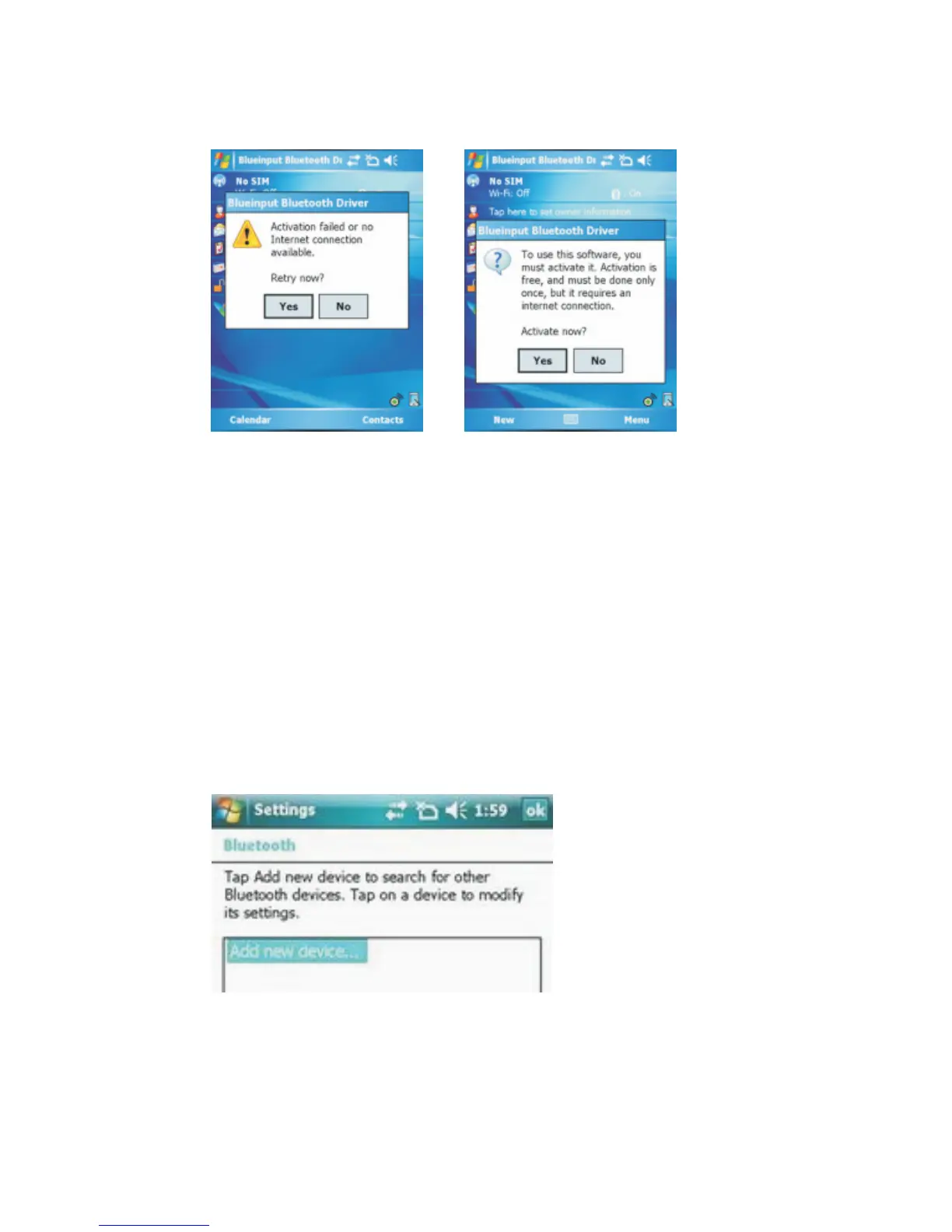
The first time you run the Bluetooth Keyboard Driver on your
Windows Mobile device, you’ll see a prompt to activate the software:
If you press NO or if the Internet is not available, Activation will fail
and you won’t be able to use this software.
Make sure your Windows Mobile device is connected to the
Internet, press YES. You only need to do this once after the
installation.
Configuration and Troubleshooting
After the software is successfully installed on your device, you
need to pair the Bluetooth Keyboard.
1. Prepare the keyboard for pairing by turning it on and pressing the
pair button.
2. Open the Bluetooth on your device, and click Add new device



 To Next Page