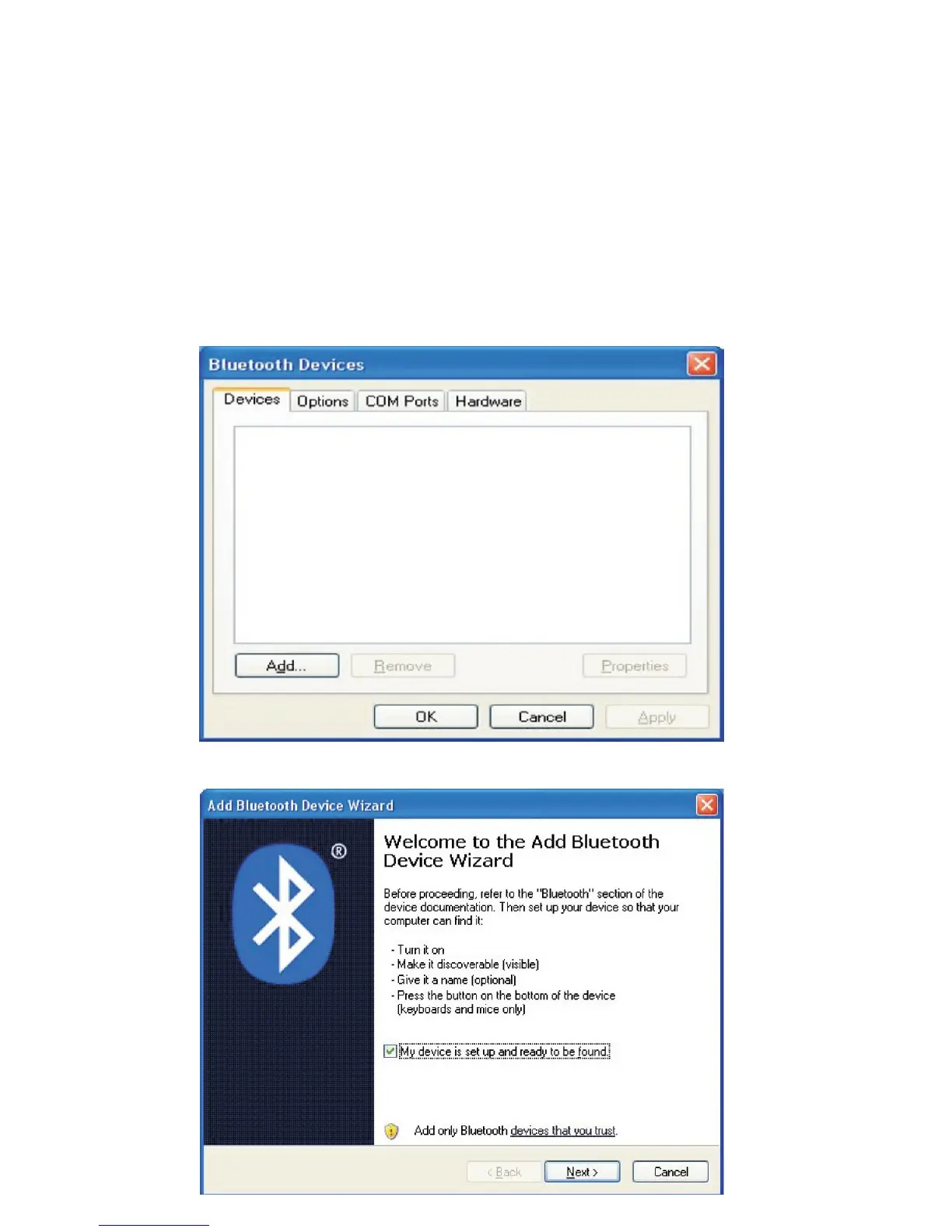
Connect with Windows
NOTE: Before you connect the Bluetooth Keyboard, please make sure
you have Bluetooth functionality on your system. Additional software
& adapters are available, installation instructions may vary.
1. Prepare the keyboard for pairing by turning it on and pressing the
pair button.
2. Make sure that the Bluetooth Function has been activated on your
computer. Double click the Bluetooth Icon in the Task Bar or in the
Control Panel. Click Add.
3. Select My device is set up and ready to be found and click Next.



 To Next Page