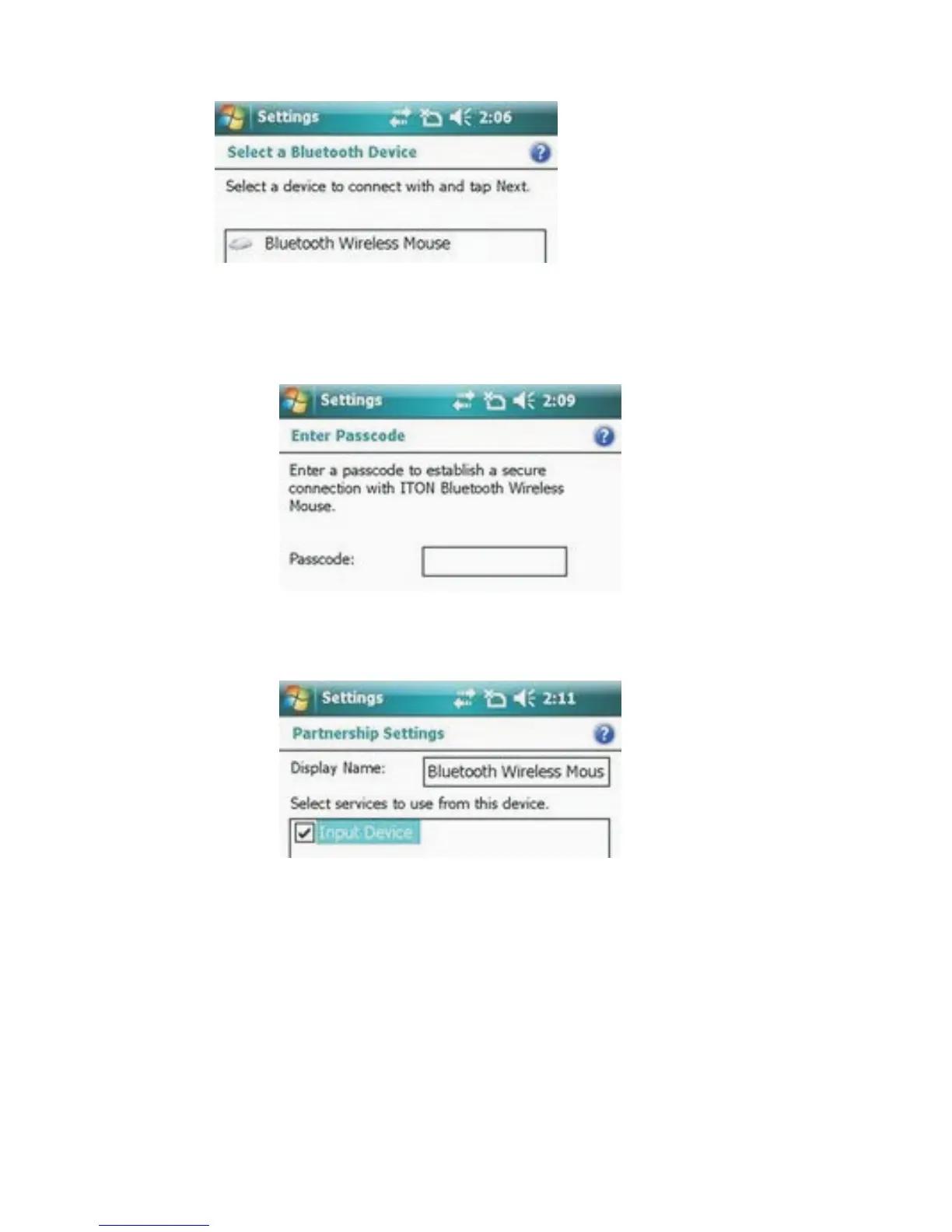
3. Select the Bluetooth Keyboard, and tap Next.
4. When prompted for passkey, leave the passcode field blank
and tap Next (if this fails, enter 0000 as a passcode and press
Next).
5. Select the “Input device” service and tap Finish.
6. Go to the Software settings Panel, and tap Connect.
Troubleshooting
Here are some solutions for the error messages that might appear
while using:
• "The software is not responding. You need to reinstall this
software."
This error is caused by a problem with the communication
between the software components. You need to check if your
Windows Mobile Device is compatible with the software, and



 To Next Page