Installation
NOTE: The first time the keyboard is used you will need to install two
AAA alkaline batteries (not included).
Step 1 – Prepare the keyboard
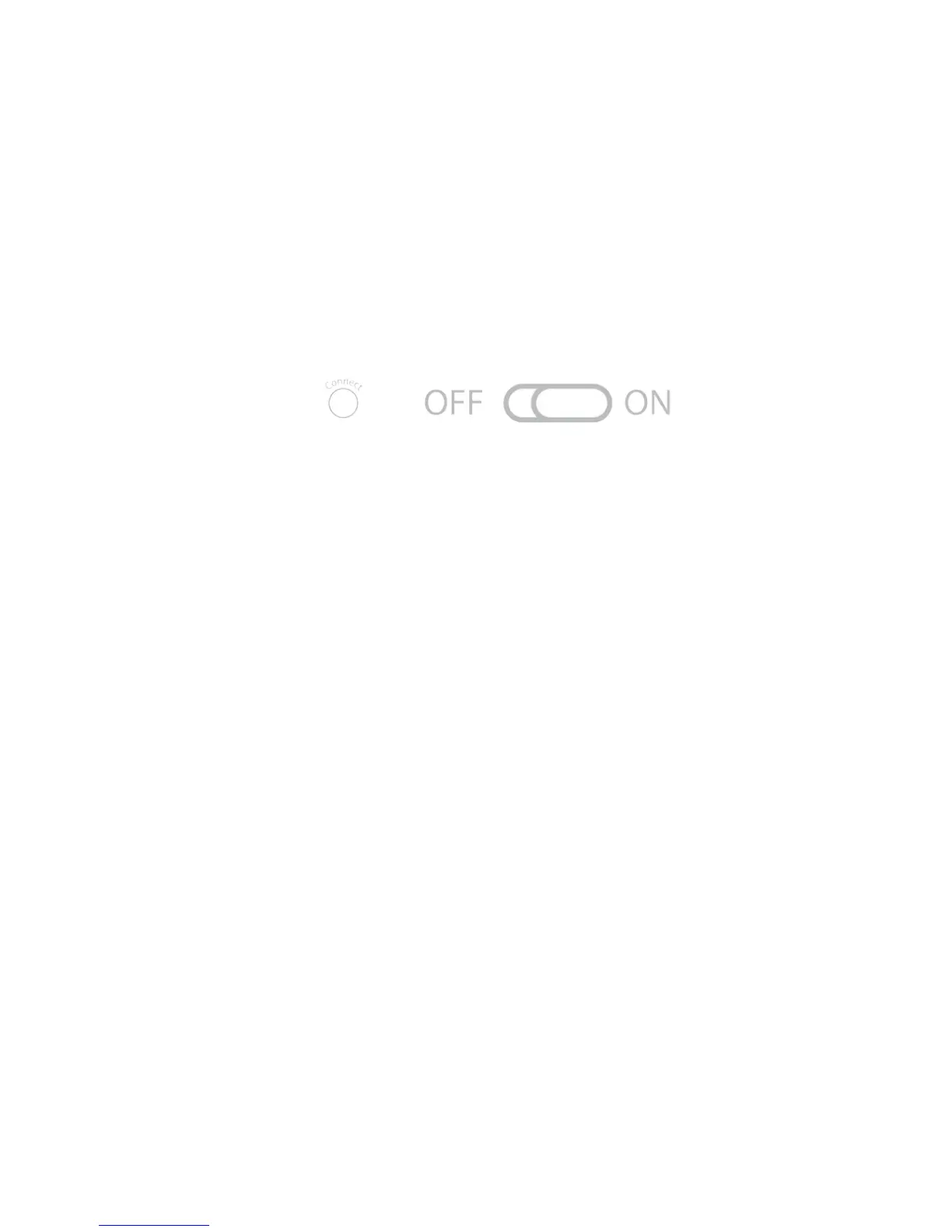
• Turn the keyboard to the ON position.
• Press the pair (connect) button; the green LED on the top will flash
when in pairing mode.
• The keyboard is now ready to connect with a Bluetooth ready
system.
pair/connect button
Step 2 – Connect to a Bluetooth ready system
• On the Bluetooth ready system turn Bluetooth ON
• The device should detect the keyboard and provide a way to pair
the device. This will include a code or pin that will need to be typed
onto the keyboard to finish the pairing process.
Detailed installation instructions immediately
follow the Keyboard Character Map.
Note: If no signal is received after 10 minutes or the connected device
is turned off, the keyboard will revert to Standby Mode. To reactivate
the keyboard, click the Enter key on the keyboard.



 To Next Page