15
Setting up Media
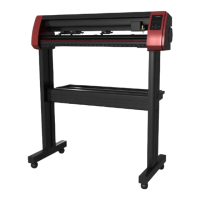
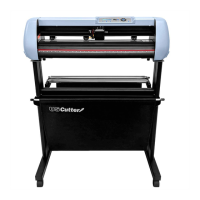
Adjust the pinch rollers so there is one roller located
on each side of the vinyl (and, on models with 3
or more rollers, one roller near the center). Avoid
lowering a pinch roller to the gap between the two
feed rollers.
4
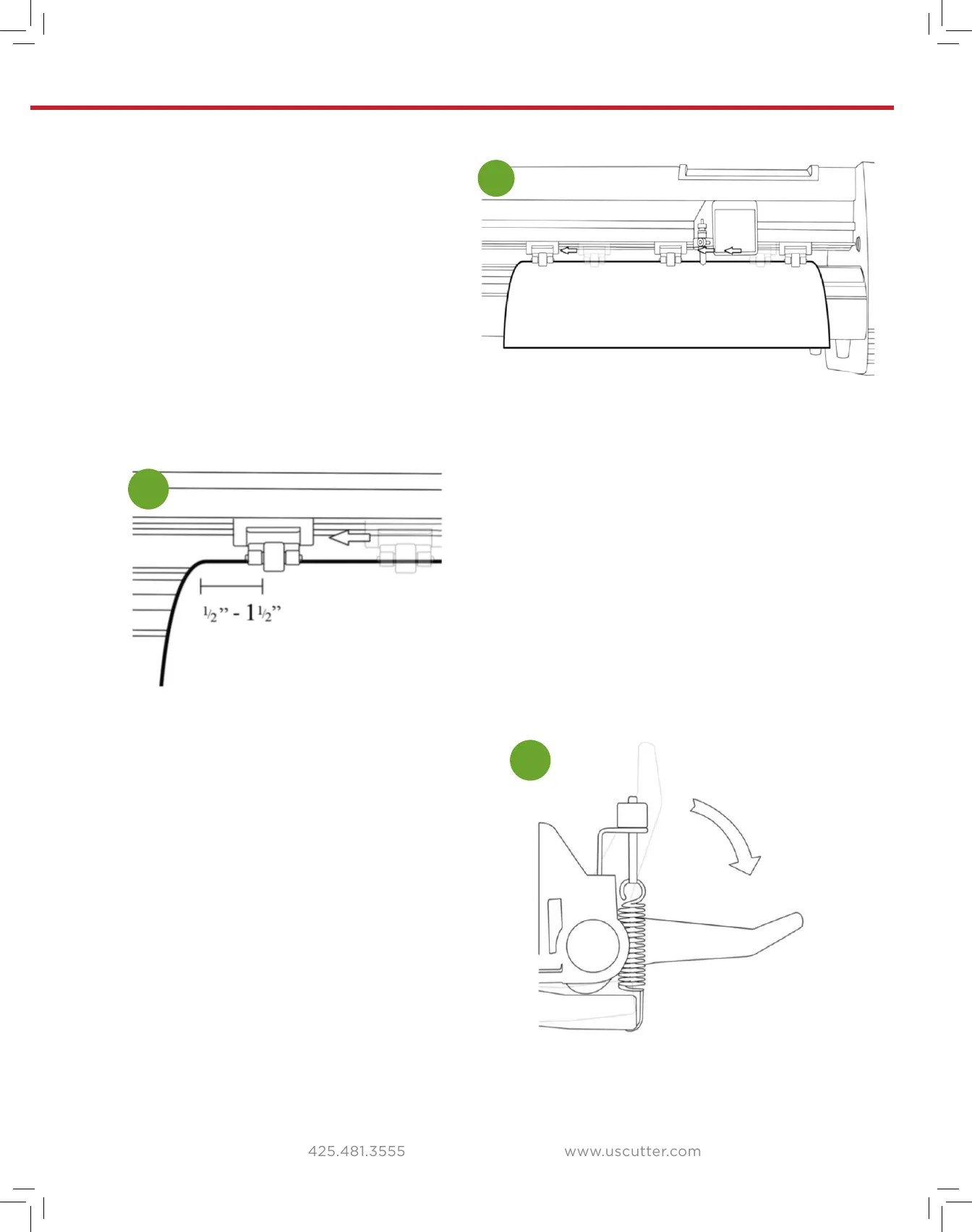
Leave a gap of between
1
/
2
”-1
1
/
2
” from the
edge of the roller and the edge of the vinyl
on both sides.
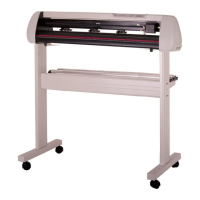
Engage the Pinch Rollers by pushing down
on the Pinch Roller Release Levers.
5
If the cutter is not already on, turn it on now.
6


 To Next Page