19
The latest release of Vinyl Master Cut has a new installation wizard that may already have installed the
correct cutter driver for you. If your cutter driver is already installed and functional via the wizard, you
may use the above instructions whenever you wish to add a new cutter model.
Newer versions of Vinyl Master Cut also have extensive help menus and context sensitive videos that will
help train you and help guide you through any software issues you may experience.
You can find additonal information about VinylMaster setup and configuration at:
https://www.uscutter.com/VinylMaster-Support
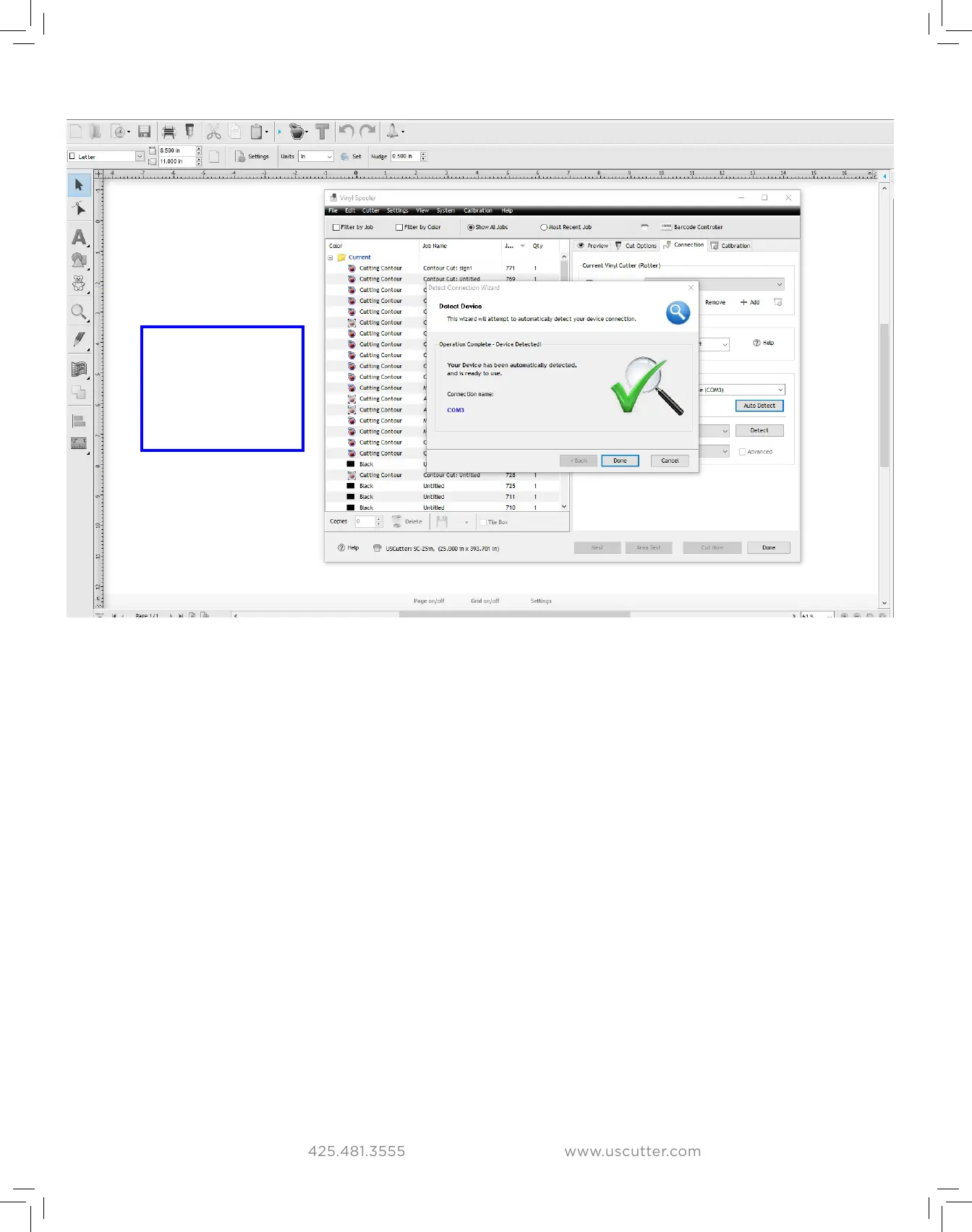
You should see
a large Green
checkmark when
your cutter has
been detected.
Installing VinylMaster drivers


 To Next Page