Need help?
Do you have a question about the USX-MOUNT XML008-1K-01 and is the answer not in the manual?
Ensure your TV's VESA pattern fits the mount's specifications.
Confirm your TV's weight, including accessories, does not exceed the mount's limit.
Determine if your wall is drywall with studs or solid concrete for correct mounting.
Ensure you have all necessary tools listed before starting the installation.
Details the VESA mounting hole dimensions and TV bracket placement.
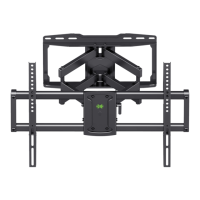
Shows the size and hole layout of the wall mounting plate.
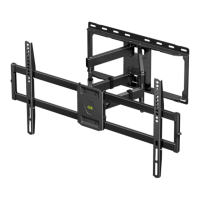
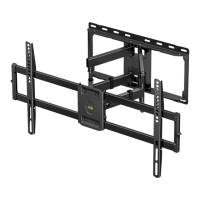
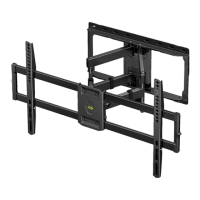
Illustrates the extended, retracted, and overall dimensions of the mount.
Lists all screws, spacers, and washers required for the initial TV bracket attachment.
Identifies components needed for attaching the wall plate to the wall.
Lists parts required for assembling the extension arms and end supports.
Guides on choosing the correct screws for attaching brackets to the TV.
Explains how to position TV brackets for low or high mounting holes.
Guides on whether to use spacers with screws based on TV back design.
Instructions for securing the TV plate to the brackets.
How to find and mark the center of wall studs for secure mounting.
Aligning the template with stud center lines and marking hole locations.
Instructions for drilling pilot holes to the correct depth and diameter.
Securing the wall plate using lag bolts, with a caution against over-tightening.
Placing the template on a concrete wall and marking hole positions.
Drilling pilot holes using a masonry bit to the specified depth.
Inserting anchors flush with the concrete surface.
Securing the wall plate with lag bolts, cautioning against over-tightening.
Instructions for correctly orienting and attaching the extension arms.
Securing the end supports to the extension arms using bolts and allen key.
Pull the mount to confirm it is securely attached to the wall before hanging the TV.
Instructions for hanging the TV onto the wall plate and securing it with bolts.
How to adjust the TV's vertical level using leveling bolts.
Adjusting the TV's tilt angle using the handle and tilting bolts.
How to organize and secure TV cables using provided velcros.
 General
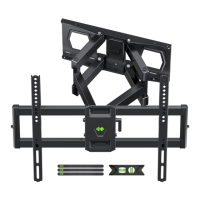
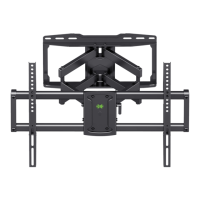
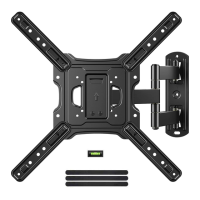
| Mount Type | Full Motion |
|---|---|
| VESA Compatibility | 200x100mm to 600x400mm |
| Material | Steel |
| Color | Black |
| Mounting Type | Wall |
| Tilt Range | -15° to +5° |
| Extension Range | 2.4 to 19.5 inches |

 To Next Page