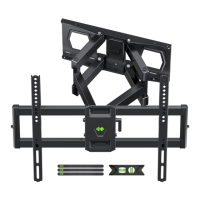
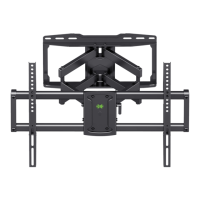
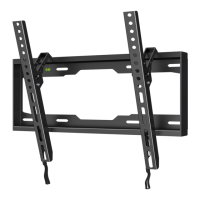
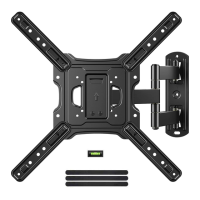
Need help?
Do you have a question about the USX-MOUNT XML008-K-1 and is the answer not in the manual?
Verify TV VESA mounting hole dimensions are within the specified ranges.
Ensure the TV weight, including accessories, does not exceed the mount's maximum capacity.
Determine the wall construction (wood studs, solid concrete) for correct installation.
Choose appropriate screws and washers for secure attachment to TV VESA holes.
Determine optimal placement of TV brackets on back of TV.
Fasten main TV mounting plate to TV brackets.
 General
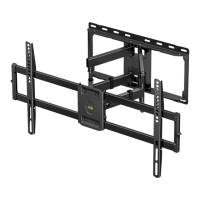
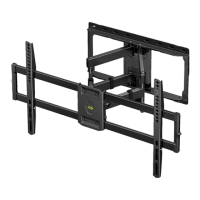
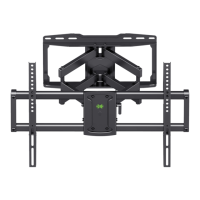
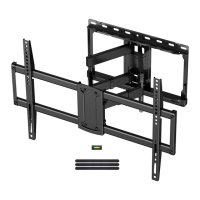
| Mount Type | Full Motion |
|---|---|
| VESA Compatibility | 200x100mm to 600x400mm |
| Tilt Range | +5°/-15° |
| Material | Steel |
| Color | Black |
| Mounting Type | Wall Mount |
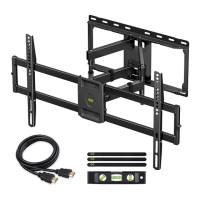
| Installation Hardware Included | Yes |
| Cable Management | Yes |
| Level Adjustment | +/-3° |

 To Next Page