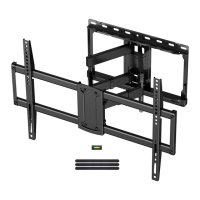
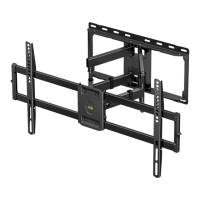
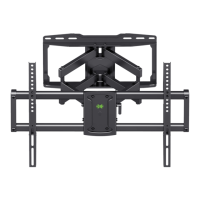
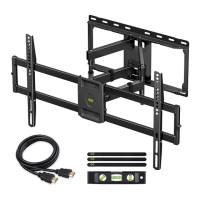
Need help?
Do you have a question about the USX-MOUNT WMM008-01 and is the answer not in the manual?
Disassemble the wall plate into its two main components for further installation steps.
Choose the correct VESA mounting pattern configuration based on your TV's specifications.
Choose appropriate TV screws and washers for secure attachment to the TV's mounting holes.
Determine if spacers are necessary for TV plate attachment based on TV depth and screw length.
Attach the TV plate to the TV using selected screws and washers, ensuring a secure fit.
Locate wall studs and mark the center line for precise wall plate mounting.
Position the wall plate at the desired height, level it, and mark the hole locations.
Drill pilot holes into the studs to the specified depth using the correct drill bit size.
Install the wall plate using lag bolts, tightening them firmly against the wall surface.
Position the wall plate on the concrete wall, level it, and mark hole locations.
Drill pilot holes into the concrete wall to the specified depth using a masonry drill bit.
Insert concrete wall anchors into the pilot holes, ensuring they are seated flush with the surface.
Install the wall plate using lag bolts and anchors, tightening them firmly.
Adjust TV leveling by loosening and retightening the leveling bolts on the TV plate.
Adjust the TV's tilting angle by loosening and tightening the handle and tilting bolt.
Manage TV cables neatly by guiding them through the provided velcros for an organized appearance.
 General
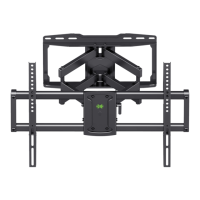
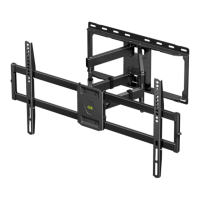
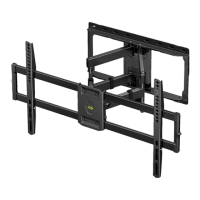
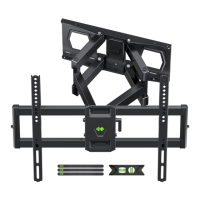
| Model | WMM008-01 |
|---|---|
| Tilt Range | -5° to +15° |
| Material | Steel |
| Color | Black |
| VESA Compatibility | 400x400mm |
| Type | Full Motion TV Mount |
| Compatible TV Sizes | 32" - 55" |

 To Next Page