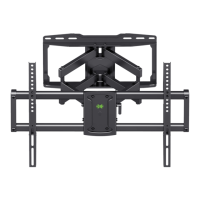
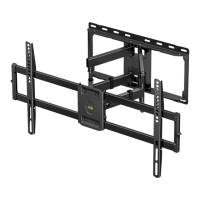
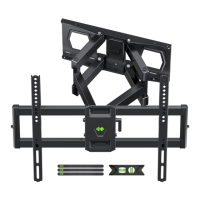
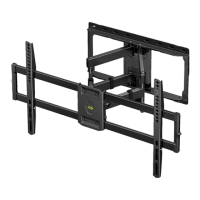
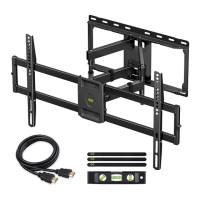
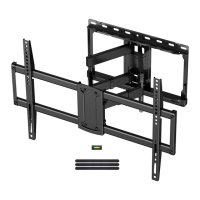
Need help?
Do you have a question about the USX-MOUNT XML019 and is the answer not in the manual?
Verifies TV VESA, weight capacity, wall type, and necessary tools before installation.
Highlights crucial safety guidelines and cautions to prevent injury or damage during installation and use.
Lists all components and hardware required for Step 1: Attach Brackets to TV.
Lists all components and hardware required for Step 2: Attach Wall Plate to Wall.
Lists all components and hardware required for Step 3: Extension Arms and End Support Assembly.
Guides on choosing the correct screws and washers for attaching TV brackets to the television.
Instructions for finding the optimal position for TV brackets on the back of the TV.
Guidance on when and how to use spacers with screws for TV bracket attachment.
Details on how to securely attach the TV plate to the television.
Procedure for mounting the wall plate securely into wood studs.
Procedure for mounting the wall plate securely into a solid concrete wall.
Instructions for adjusting the TV's tilt to achieve a level viewing angle.
Steps to adjust the TV's vertical tilt angle within the specified range.
Guidance on organizing and securing TV cables using the provided velcros.
 General
| Mount Type | Full Motion |
|---|---|
| Material | Steel |
| Color | Black |
| VESA Compatibility | 200x200mm - 600x400mm |
| Tilt Range | +5° to -15° |
| Swivel Range | +90° to -90° |

 To Next Page