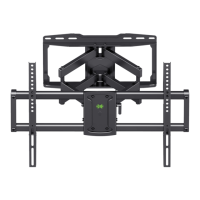
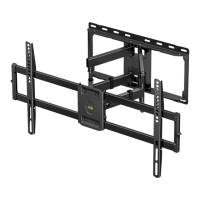
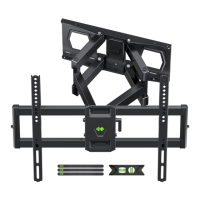
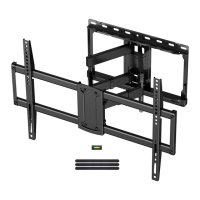
Need help?
Do you have a question about the USX-MOUNT XML019-01 and is the answer not in the manual?
Verify TV VESA dimensions against mount specifications for compatibility.
Ensure TV weight, including accessories, does not exceed mount's maximum limit.
Determine if the wall is suitable for mounting (wood studs, concrete, or unsure).
Confirm all necessary tools are available before proceeding with installation.
Lists all components and hardware required for the first installation step.
Lists all components and hardware required for the second installation step.
Lists all components and hardware required for the third installation step.
Choose the appropriate screws (M4, M6, M8) and washers for your TV.
Determine the optimal placement of TV brackets using low or high mounting holes.
Attach spacers and appropriate screws/washers if the TV back is not flat.
Secure the main TV plate to the brackets using the selected hardware.
Mount the wall plate securely to wooden studs using lag bolts and pilot holes.
Mount the wall plate to concrete walls using anchors and lag bolts.
Connect the extension arms to the main wall mount assembly correctly.
Before hanging the TV, pull the mount to ensure it is securely attached to the wall.
Hang the TV assembly onto the wall plate and secure it with bolts.
Adjust TV leveling by loosening and retightening bolts for a ±4° tilt.
Adjust the TV's tilt angle between +5° and -15° using the handle and bolts.
Organize and secure TV cables using the provided velcro straps.

 To Next Page
 General