ASSEMBLY INSTRUCTIONS
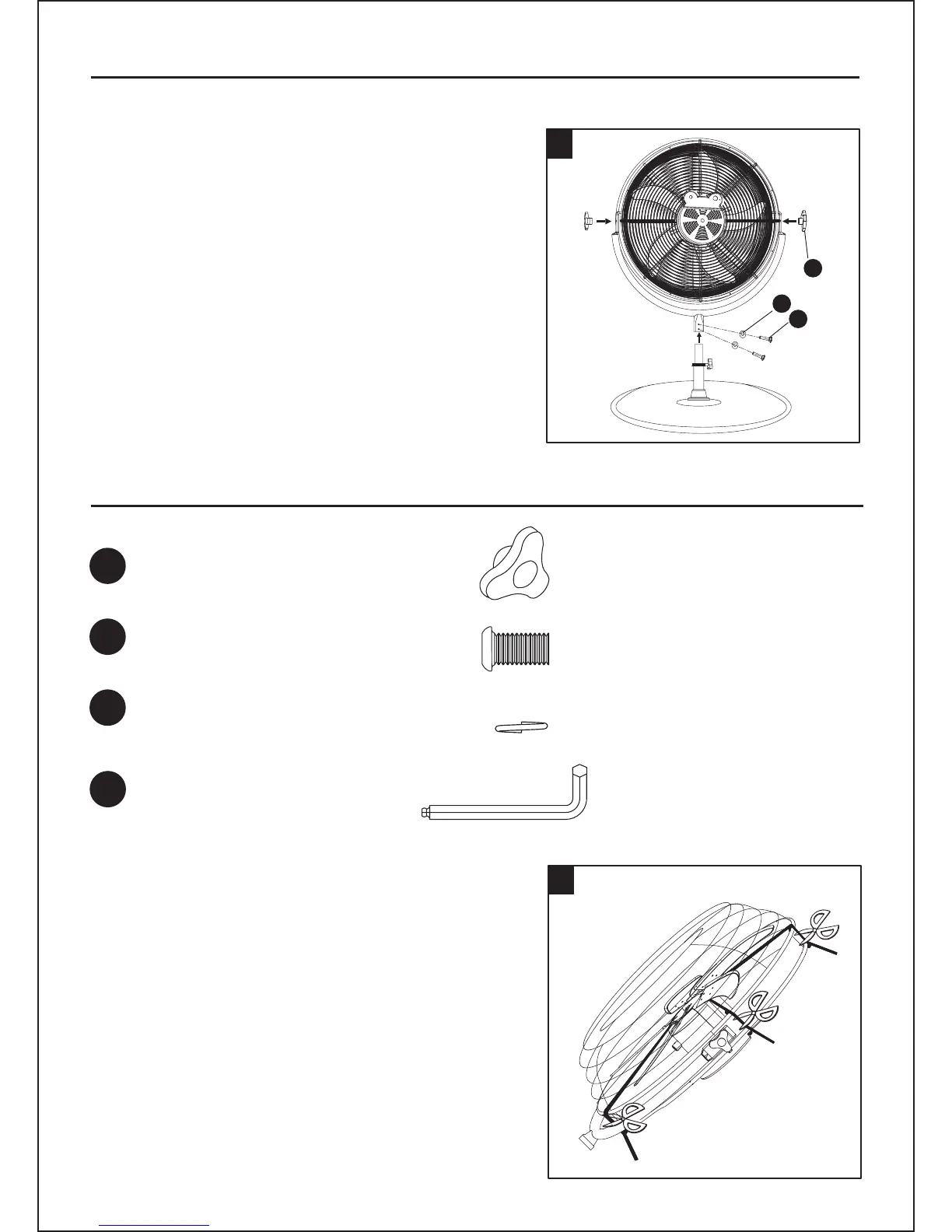
3. CUT AND REMOVE all the protective
plastic ties from the fan blade
with scissors or cutters.
HARDWARE USED
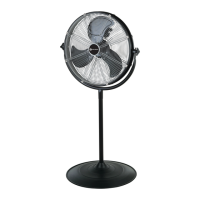
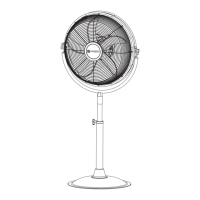
Attach the fan body (A) to the stand pole (B).
To adjust air flow up and down,
tilt the fan to the desired angle.
Tighten the plastic nut tightener (AA)
on both tilt nuts to secure fan head.
Align 2 holes at the pole of fan body (A) and
attach 2 screws (BB) and 2 spring washers (CC)
on it, then tighten the screws (BB) firmly.
6
2x
x 2
x 2
x 1
AA
renethgiTtuNcitsalP
BB
CC
∅ 5/16 in. x 5/8 in. Screw
DD
Hexagonal Head
Screw Key
∅ 3/8 in. Spring Washer
3
2
AA
CC
BB
2.




 To Next Page