User Manual for UVD Robots
6.2 UVD Robot automatic workflow (Step by Step)
1. Charging:
- Ensure the robot has been charging. Now take out the charging plug, turn the robot
on and turn on the tablet too.
- After approx 20 secs, push the ‘start’ button next to the red E-stop button on the
robot.
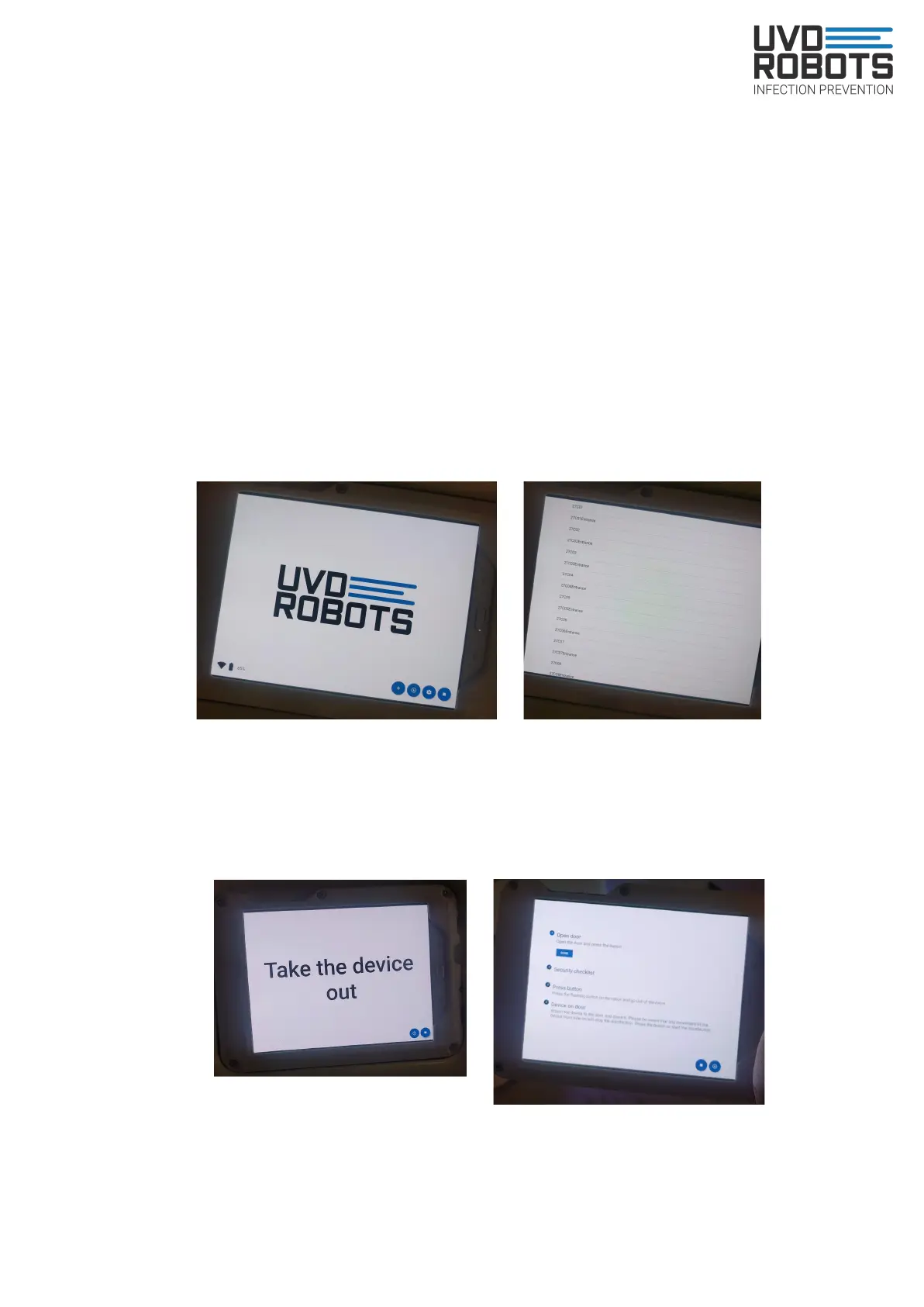
- Make sure tablet the is connected to the robots wifi and open the UVD Robots app
2. Assign job:
- Now press the plus sign ( + ) in the app. And you will see a list of rooms you can
disinfect
- Choose a room, press and step aside as the robot will drive to the entrance of it
3. Robot arrives at room:
- Take the tablet out of the robot and open the door.
- Point 1 on tablet: Press the ‘Done’ Button. The robot will now drive inside the room
12



 To Next Page