User Manual for UVD Robots
4. Start disinfection:
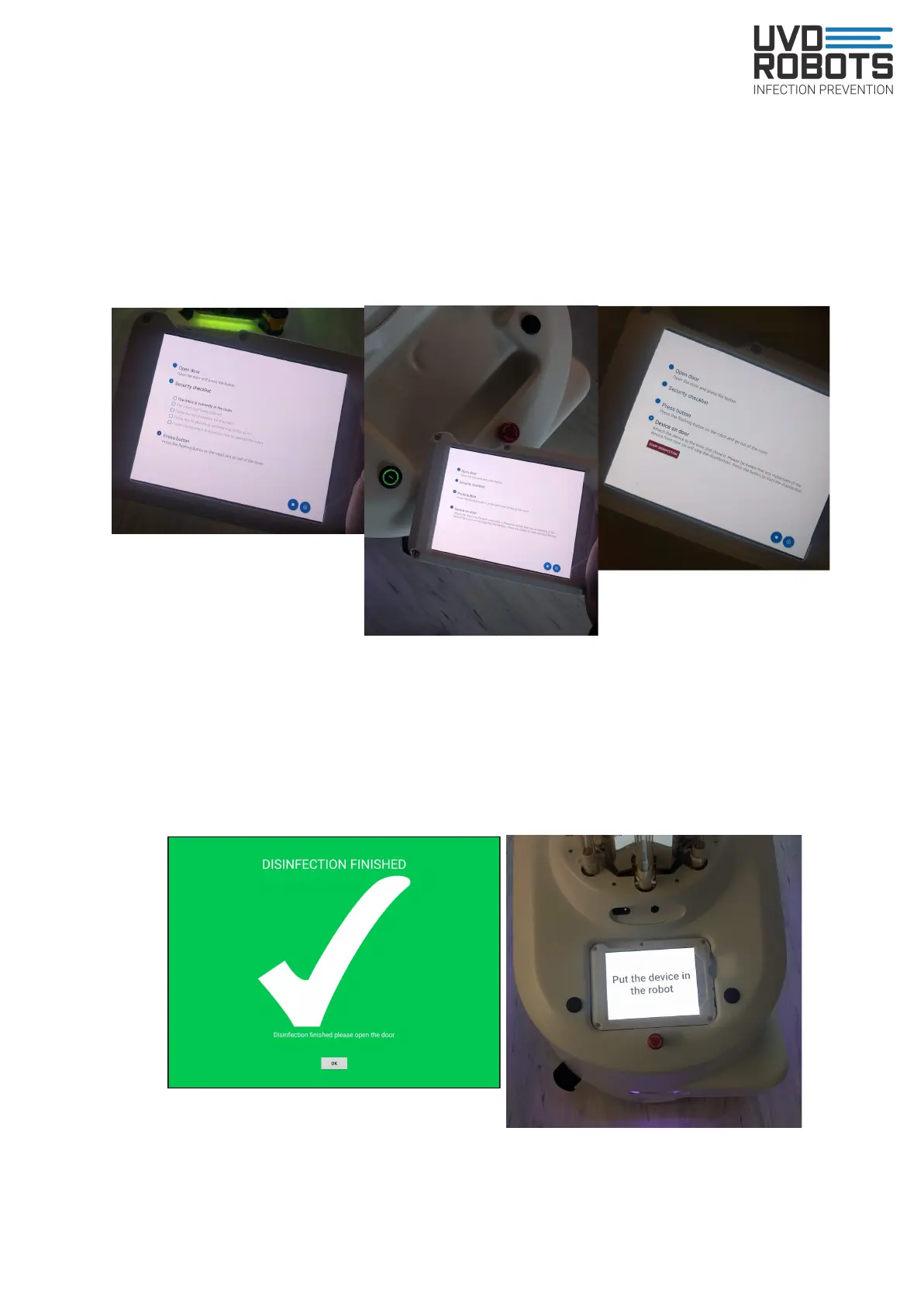
- Point 2 on tablet: Execute the checklist by checking of the boxes to the left of the
text, and also make sure room interior is placed correctly
- Point 3 on tablet: Press the glowing button on the robot and close the door
- Point 4 on tablet: Hang or place the tablet on the entrance door. Once tablet is not
moving and everything is secured. Press red ‘Start Disinfection’ button
5. Disinfection done:
- Press done, open the door and place the tablet into the robot and make sure it is
turning the right way, like on the picture below. The robot will now drive outside the
room by itself. And to its charging area if that feature is enabled inside the app.
13



 To Next Page