User Manual for UVD Robots
6. Extra features and troubleshooting:
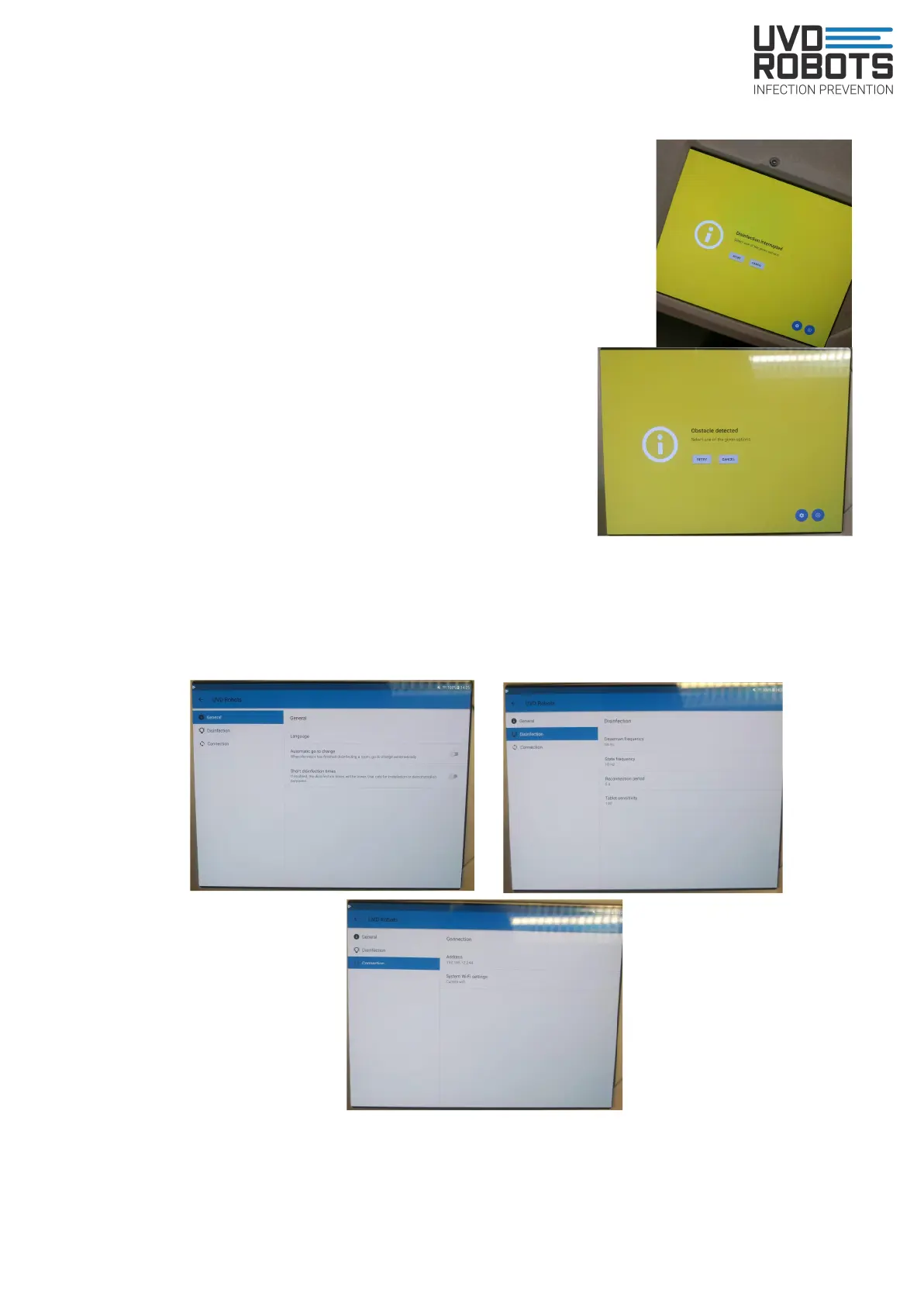
- Disinfection interrupted. Press retry and perform checklist.
Robot will continue from where the error occurred.
- Obstacle detected. If something is blocking robots
path, it will end by saying obstacle detected. Press
retry or cancel
- On the tablet there's a settings icon. In there, on first
tab to the left, you can choose if robot automatically
should go to charging area or not.
On second tab to the left. You can increase the
deadman frequency if robot keeps saying ‘Disinfection interrupted’. You can also
adjust the tablet movement sensor sensitivity. This enables either less or more
movement on the tablet to be allowed.
On third tab to the left. Connection between tablet and robot is configured
14



 To Next Page