User Manual for UVD Robots
6.3 Turn on/off UVD Robot
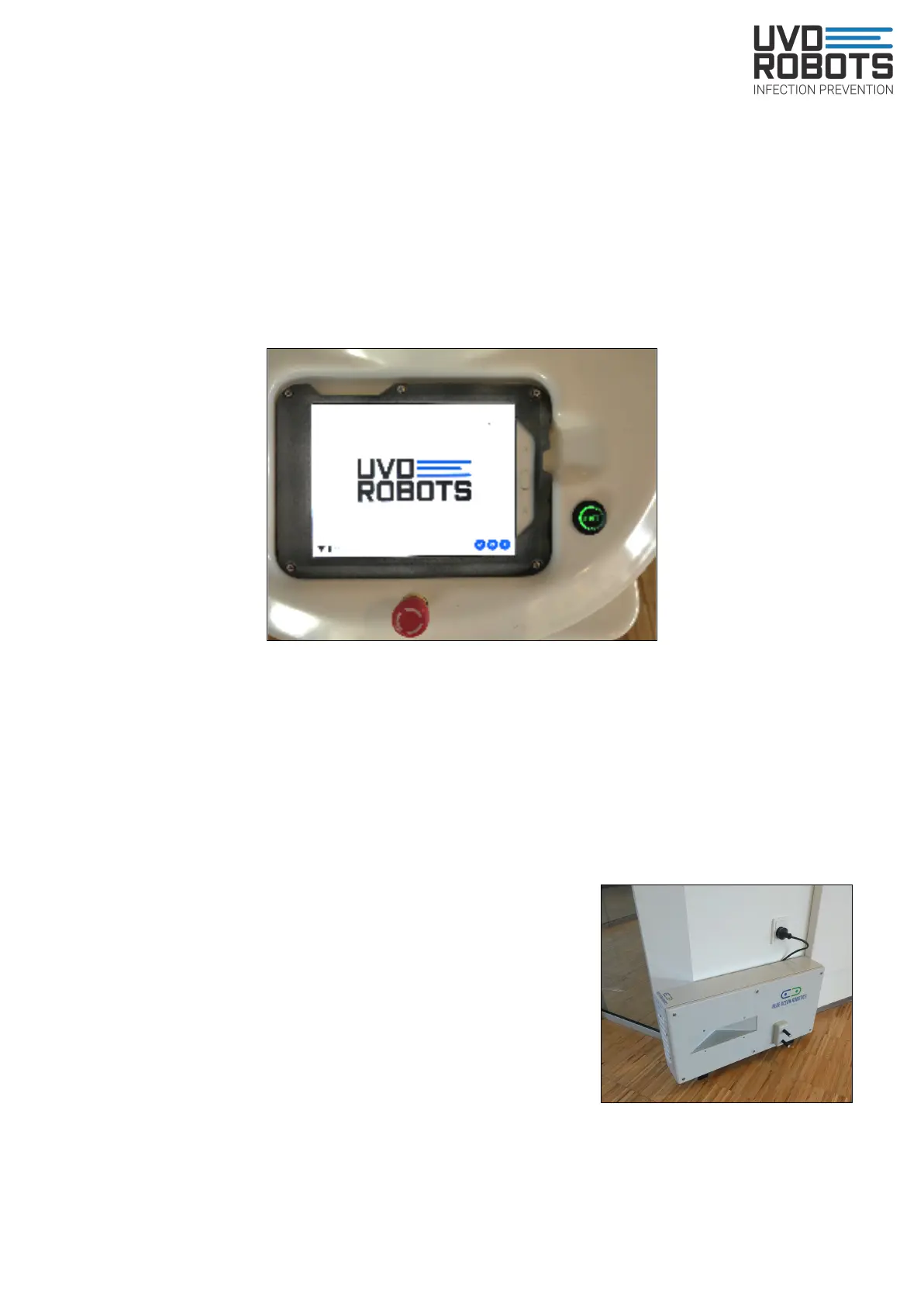
Turn on: Make sure a charging cable is not attached to the robot. Locate the blue button in
the bottom front corner. Press and hold for 1-2 seconds to turn the robot on.
Wait 10 secs. Locate and press the green blinking button next to the red emergency stop
button on the robot.
Wait until the robot stops blinking yellow and has a constant either yellow or white glow
beneath it. The robot is now ready for operational use.
Turn off: Locate the blue button in the bottom front corner. Press and hold for 1-2 seconds
to turn the robot off. Wait 30 secs until the robot lights are off, then the robot is completely
turned off.
Note: If you want to restart the robot, don’t turn it on again until the robot is completely off.
6.4 Charging a UVD Robot
Automatic charging in docking station:
- Make sure the docking station is fixed to the wall and
cannot move
- Keep objects away on 1 meter on each side of it
- Once the dock is set up in the interface and power is
connected, nothing else needs to be done
Manual charging with cable:
- Plug cable into robot while it is off, not while it is on.
- Leave robot charging until next use.
- Make sure to unplug charge cable before giving a job to the robot, and preferably
before turning the robot on, otherwise it will remain in emergency stop mode.
15



 To Next Page