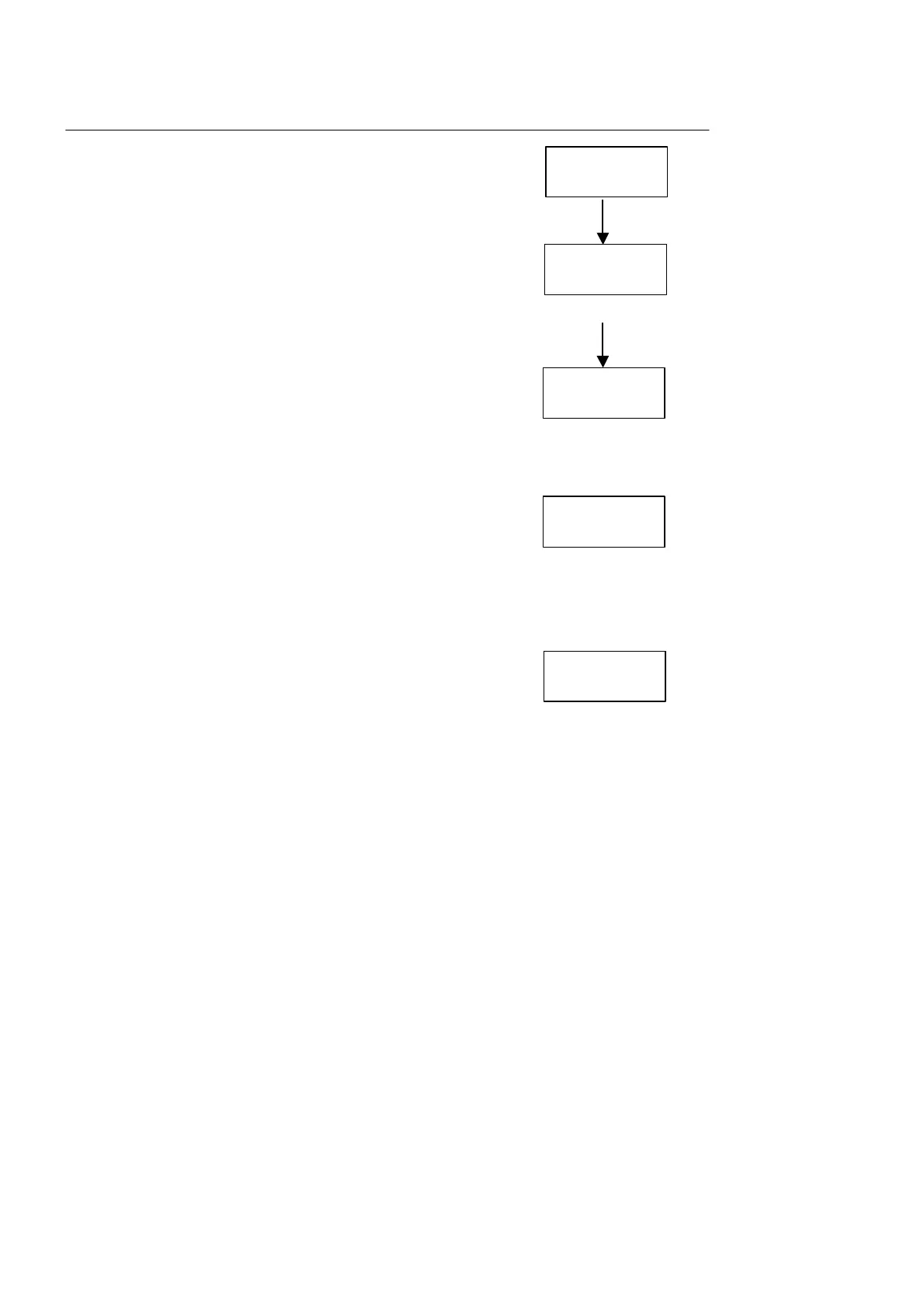
Procedures Display Shows
a. Enter selection which shows “¡¿”
b. Press ZERO and indicator will show “cAL._0”. It
means scale is now calibrating zero point. Make
sure the platform is empty with everyone removed.
c. Press SET and if display shows “¡¿. . . . . .”, then
it means zero point is calibrated.
d. display will then show “00000”, utilize ZERO,
TARE, GROSS/NET & PRINT to enter the desired
calibrate weight (if the calibrate point is close
to the full capacity, then scale will weight more
accurate.
e. Load the mass on the platform and press SET
when it is stabled. If it shows a series of dots,
which means the calibration is success. If it
display shows an error code, please refer to the
trouble shooting in the last section of this manual
for further explanation of the code. When problem
solve, please repeat the calibration procedures
again.
¡¿
cAL-0
00000
. . . . . .
¡¿
.......



 To Next Page