CONNECTING WITH A PAIRED BLUETOOTH DEVICE
When pairing with one, two or more Bluetooth devices, perform the following procedure every
time you connect your headphones with an already paired device.
1. Press the
button to turn on your headphones. Power on tone plays, headband vibrates,
battery level orange LED flashes a number of times based on the battery level.
2. Ready to rock. When the Bluetooth connection is established, connected tone plays
and white LED on the headphones stays lit.
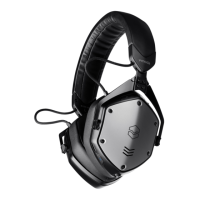
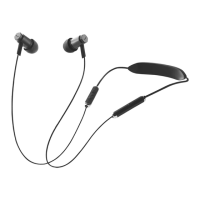
If device does not auto connect, go to Bluetooth settings and select “V-MODA Forza”.


 To Next Page