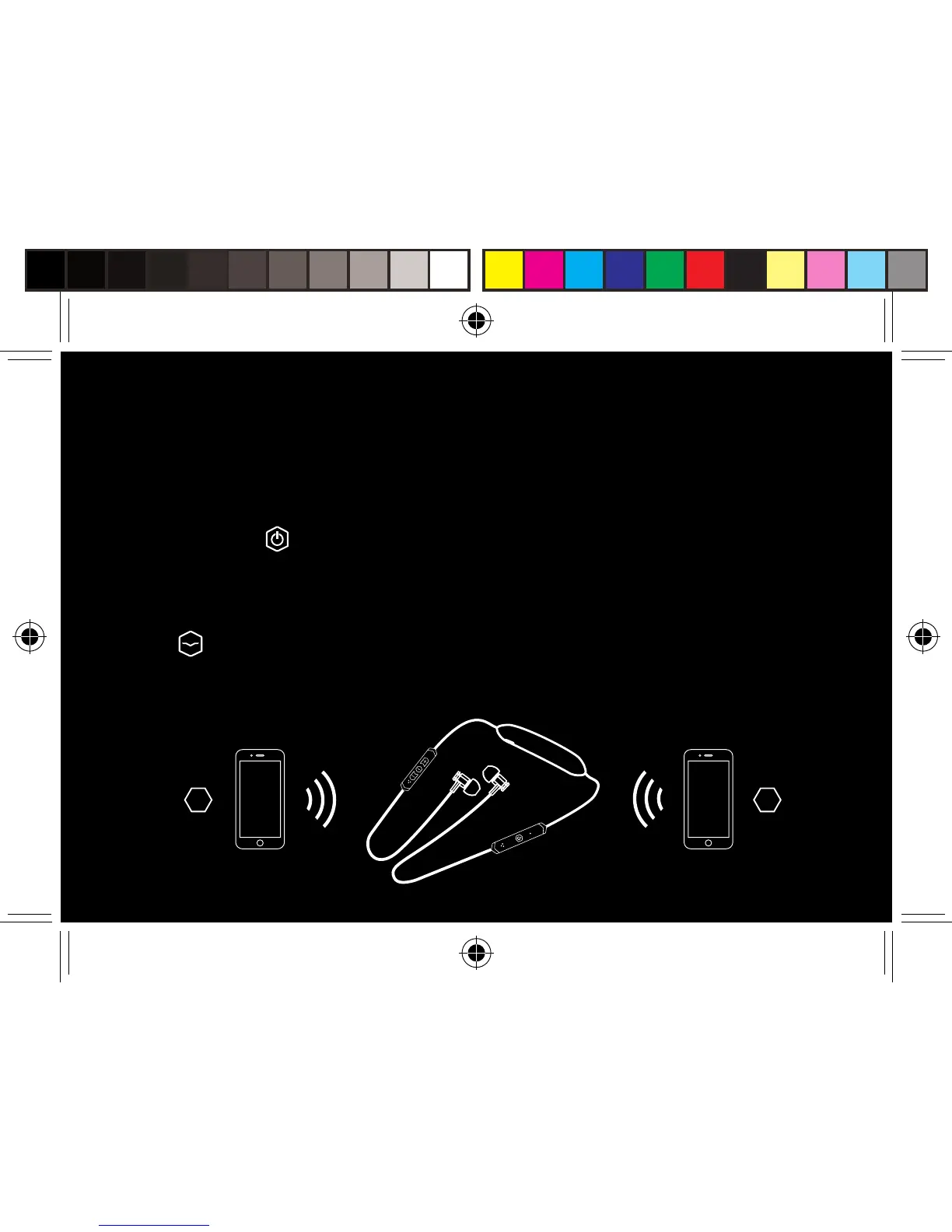
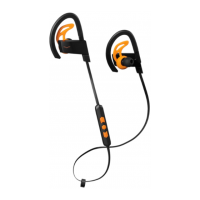
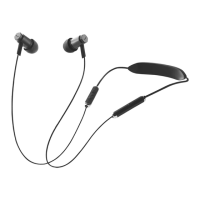
ONE HEADPHONE, TWO AUDIO DEVICES
The headphones can be connected with two audio devices at the same time and play
alternatively from both audio devices.
1. Bluetooth connect your headphones and audio player 1 following the instructions on page 11
2. Press and hold
button for 3 seconds. Pairing tone plays, white LED flashes twice every
second. Headphones are in pairing mode and you can connect audio player 2.
3. Shift the audio player from 1 to 2 by controlling the play/pause buttons on the audio players
4. The
button on the headphones will control only play/pause of the playing audio player
If device does not auto switch using control buttons, go to Bluetooth settings on the device you
want to play and select “V-MODA Forza”.
1 2


 To Next Page