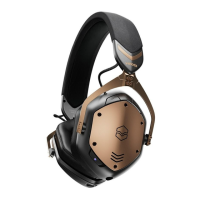
STEP BY STEP GUIDE
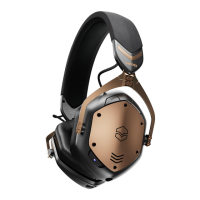
a. To turn headphones on, press and hold the Power button for 3 seconds
b. The LED indicator will illuminate light blue if a device is paired
c. To turn headphones off, press and hold the Power button for 3 seconds until you
hear the Power Off sound
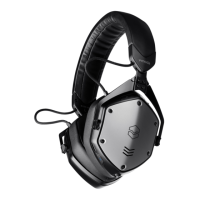
a. Ensure M-200 ANC is switched off, charged and within 1m of the device
b. Activate Bluetooth in the settings of your new device
c. Press and hold the Power button for 6 seconds until you hear the pairing sound
to turn the headphones on and enter secondary pairing mode (sonar sound)
ON/OFF
Before proceeding to the next step, make sure to follow the “GETTING STARTED”
instructions immediately above this section
PAIRING A SECOND DEVICE
1
3
2


 To Next Page