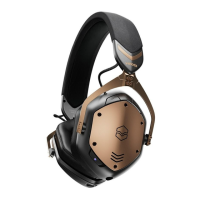
ACTIVE NOISE CANCELLING (ANC) CONTROLS
7
a. Press the ANC button to turn noise cancellation on and off
b. Download and open the V-MODA app to adjust your level of active noise
cancellation
CHARGING
8
Connect the USB-C charging cable to charge headphones.
To prevent malfunction or equipment failure, turn the volume down and turn
the headphone off before connecting to a power source.
Low Battery
Headphones are now charging
Charging complete
Power button red LED with 2 beeps
Power button fading red LED
Power button solid light blue LED


 To Next Page