-13-
Setting Image Display Mode
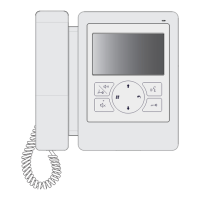
Please know that this setting is only effective for monitors which does not support man-
ual operation for pan-tilt.
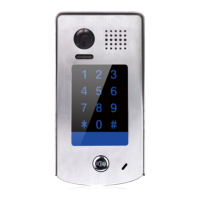
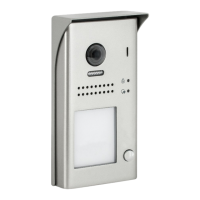
When door station calls monitor,the image will be displayed on screen,there are 3 modes for im-
age displayed, Alternate switching mode,Zoom mode and Full screen mode.
Alternate switching mode: when the monitor being called, switch at regular time(5s) between
Full screen and Zoom image.
Zoom mode: when the monitor being called, the image will be displayed on full screen for 5
seconds, then switch to Zoom image.
Full screen mode: when the monitor being called, the image will be always displayed on Full
screen.
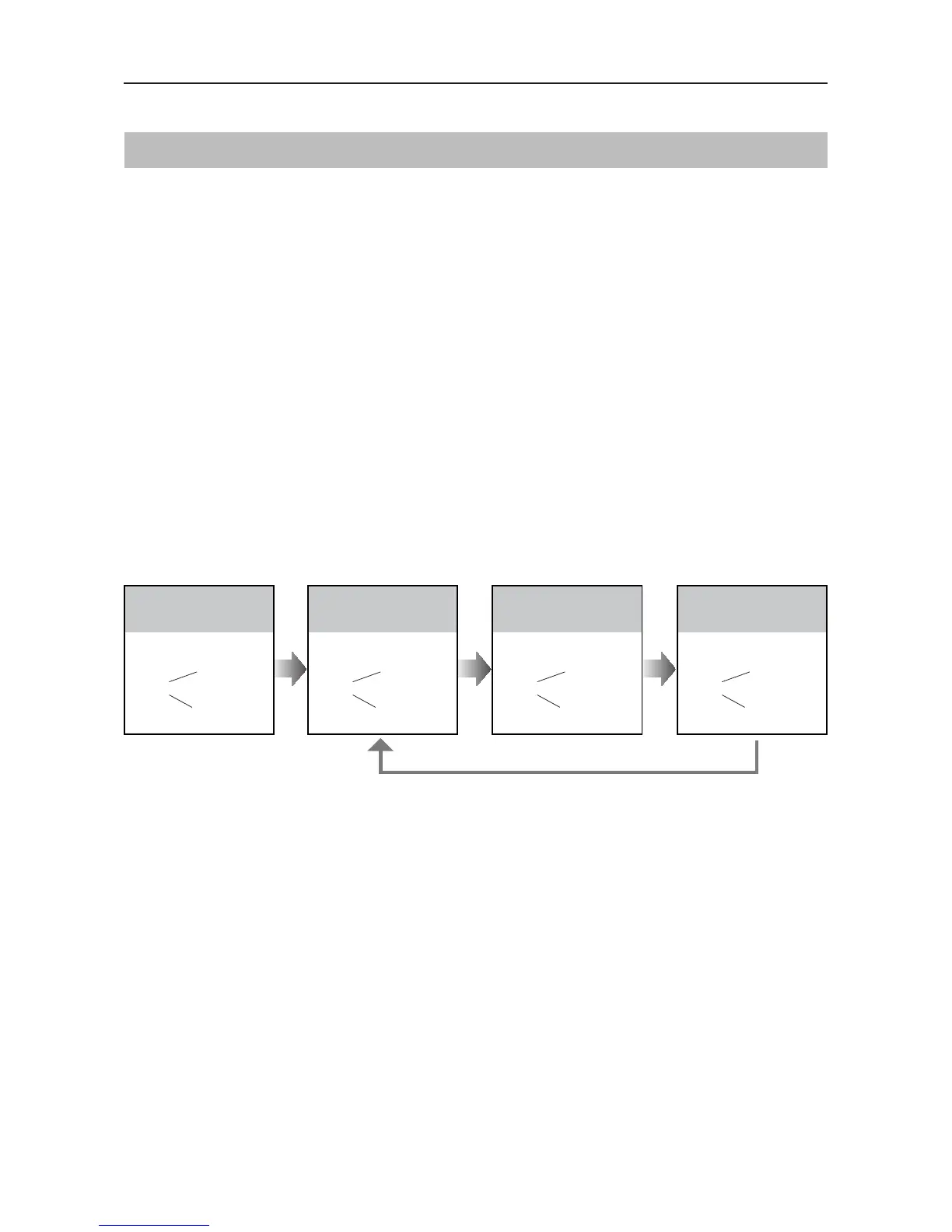
Alternate switching mode is default, to change the setting, please follow the steps:
When answering the call, the image switching reminder can be activated or forbidden.
If set to activated mode, the image switching reminder will be different for different image display
mode.
Alternate switching mode: When answering the call, image switching reminder is not effective.
Zoom mode: When answering the call, the image will be displayed on full screen for 5 sec-
onds, then switch to Zoom image to remind to enter talking status.
UNLOCK Indicator:ON
TALK Indicator:ON
Buzzer
Beep+, Beep
In standby mode, press
KEY_SET button four
times.
UNLOCK Indicator:ON
TALK Indicator:ON
Buzzer
Beep+
Press KEY_2 button to set
the image display mode
to Cycle switching.
UNLOCK Indicator:ON
TALK Indicator:ON
Buzzer
Beep, Beep
Press KEY_2 button again
to set the image display
mode to Zoom mode.
UNLOCK Indicator:ON
TALK Indicator:ON
Press KEY_2
Buzzer
Beep, Beep,Beep
Press KEY_2 button again
and again to set the image
display mode to Full screen.
SETUP INSTRUCTIONS
When the monitor being called
When answering the call
• If setting mode has not been exited, you can change the image display mode by pressing KEY2 circularly.
• The LED_NAME indicator will blink all the time until exit out the setting mode.
• If without any operation in 10 seconds, it will exit out setting mode automatically.
• In this step,press KEY_SET button once to exit out the setting mode manually.



 To Next Page