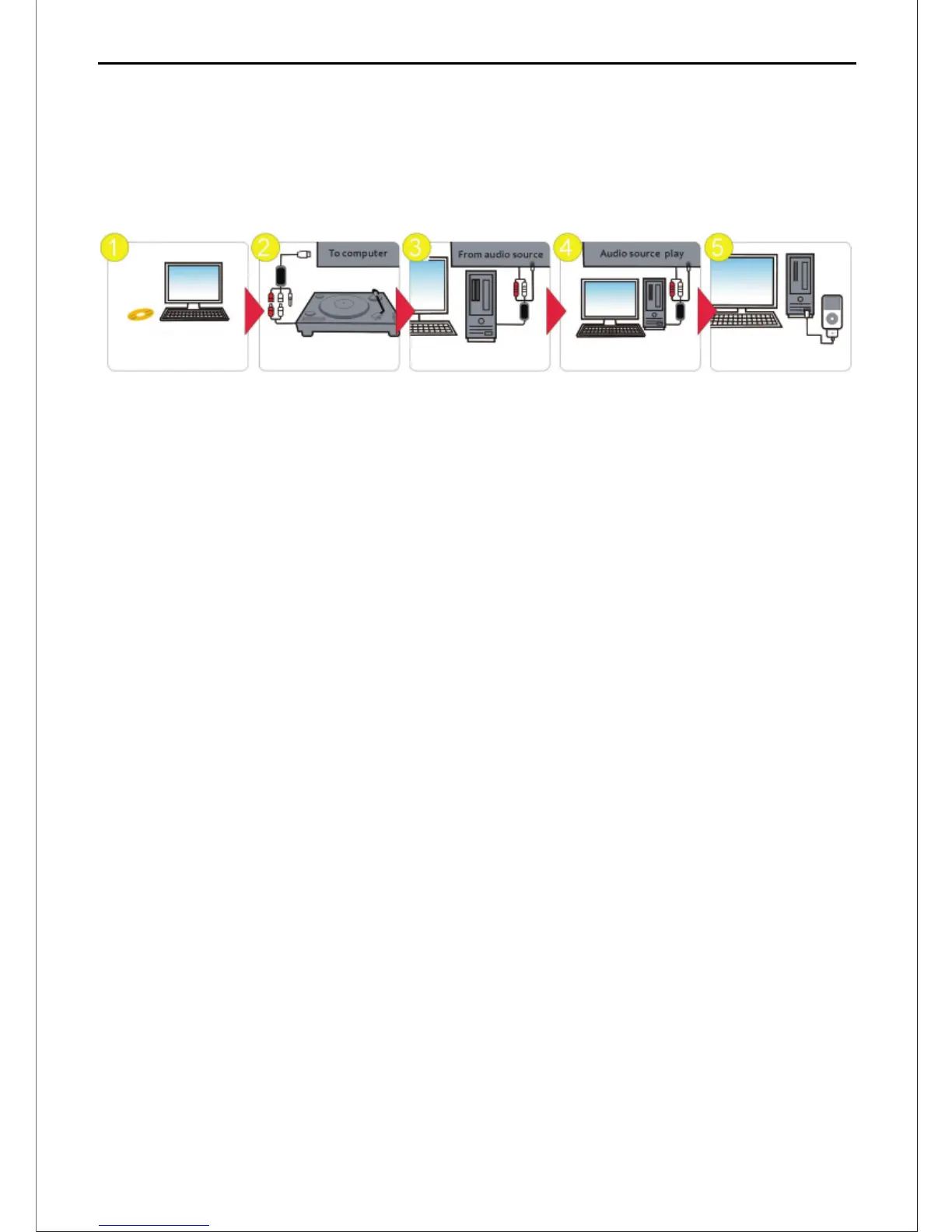
Step 1: Install Audacity and LAME MP3 Encoder
The soware can be found in the CD or downloaded from the website, and the download
address is:
hp://www.audacityteam.org/download/
Declaraon: LAME is a library that allows some programs to encode MP3 files. LAME is free,
but in
some countries users may need to pay a license fee in order to legally encode MP3 files.
For Windows OS Users:
a.First, install \Windows_V2.1.2\Audacity_v2.1.2.exe
b.Then, install \ Windows_V2.1.2\ Plug-Ins\Lame_v3.99.3.exe
For Mac OS Users:
a.First, install \Mac_OS_v2.1.2\Audacity-v2.1.2.dmg
b.Then, install \Mac_OS_v2.1.2 \Plug-Ins\Lame_Library_v3.98.2.dmg
Note: Install Audacity as main applicaon soware; and you may install LAME MP3 encoder
based
on your own personal needs.
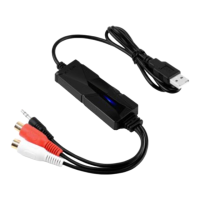
Step 2: Hardware Installaon - Connect your analog audio source to audio input jack of this
AV202.
Step 3: Plug the USB end of AV202 into Computer’s available USB Port, and make sure your
computer does recognize the AV202. (Refer to secon of “Hardware Installaon”)
Step 4: Run the Audacity Soware for Capturing, Eding your desired music. (Audacity
Soware’s
Operaon Manual is contained in the CD.)
Step 5: Transfer the digital audio files to your device.
Install application Audio source input
Connect to computer
Capture and edit audio
Output to iPod by iTunes
Quick Installaon
Note: Before installing the Audacity Applicaon Soware, you need to close the An-Virus
Soware.
>2<
AV202 EN
USB Audio Capture


 To Next Page