Hardware Installaon
The Operaon System will install the driver automacally. Some Operaon Systems might
require an Internet for updang.
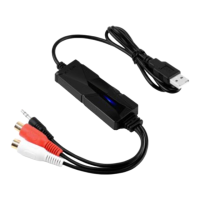
Connect the AV202 to the computer. The system message “Your new hardware is installed and
ready to use” will appear aer a while. It means that the driver has been installed or updated
successfully.
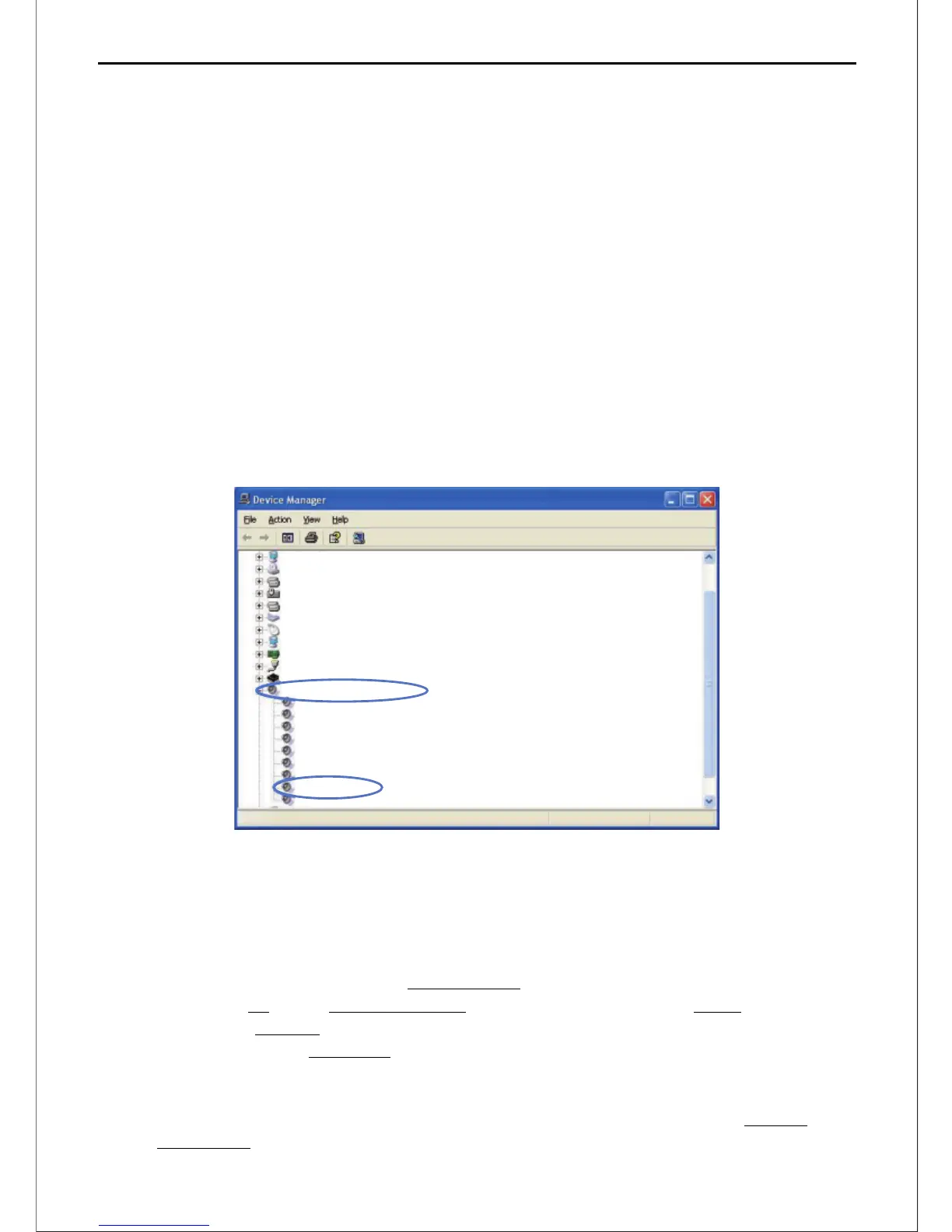
1.Connect the AV202 to your computer, and open Device Manager. Click on the “Sound, video
and game controllers”, and you can see “USB Audio Device” if AV202 is recognized by the
computer correctly. (Please close An-Virus Soware before installaon.)
2.While if a Yellow Mark appears, you will have to remove the driver and disconnect AV202
from the computer and reconnect it to install/update the driver again. (We strongly suggest
an Internet is available.)
FAQ
1. What is an opmal recording level to aim for?
Using the Recording Volume Slider on Mixer Toolbar to adjust the level, aim for a maximum
peak of around –6 dB on the Recording Meter (or 0.5 if the meter is set to linear scale). This
should ensure that clipping will be avoided. The recording will only show a maximum peak of
around 0.5 on the default waveform display, but given how the ear hears sound, this is
actually much louder than apparent "half volume”.
You can boost the level if necessary aer recording and eding by using Effect > Amplify or
Effect > Normalize.
Display adapters
DVD/CD-ROM drives
Floppy disk controllers
Human Inrerface Devices
IDE ATA/ATAPI controllers
Keyboards
Mice and other pointing devices
Monitors
Network adapters
Ports (COM&LPT)
Processers
Sound,video and game controllers
Audio Codecs
Legacy Audio Drivers
Legacy Video Capture Devices
Media Control Devices
MPU-401 Compatible MIDI Device
Realtek Ac’97 Audio
Standard Game Port
USB Audio Device
Video Codecs
>3<
AV202 EN
USB Audio Capture


 To Next Page