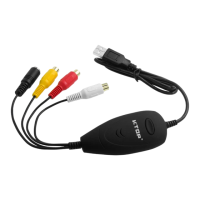
USBVideoGrabberAVC05EN
Introduction
TheAVC05S‐Video&CompositetoUSBVideoCaptureCableenablesyoutocaptureanalogvideo,aswell
astheaccompanying2‐channelRCAaudio,toyourMac®orWindows®computer,fromanS‐Videoor
Compositevideodevice.
ThisUSBvideocaptureDeviceconnectsfromanS‐Videoor
Composite/RCAvideooutputdevice,suchasa
Beta/VHSVCR,camcorderorPVRtoaUSB2.0portonyourMac®orPC,toprovidereal‐timeMPEG‐1,
MPEG‐2encoding.
Theanalogvideocapturecablesupportsabroadrangeofoperatingsystems,deliveringseamlessUSBvideo
captureforMac®
computers(OS10.6+),Windows®7computers,aswellasolderWindowsoperating
systems(XP(32bits)/Vista(32/64bits)).
PackagingContents
• 1xUSBVideoCaptureCable
• 1xsoftwareCD
• 1xinstructionmanual
SystemRequirements
• USB2.0enabledcomputersystemwithavailableUSBport
• Microsoft®Windows®X P/ V i s t a ( 3 2/6 4 b i t ) /7 ( 3 2/6 4 b i t ) andApple®MacOSX®(10.6+)
• AnalogvideoSourcewithS‐VideoorCompositecabling(DVD,DVR,VCR,etc.)
HardwareInstallation
1.ConnecttheUSBtypeAconnector(host)intoanavailableUSB2.0portonyourcomputersystem.
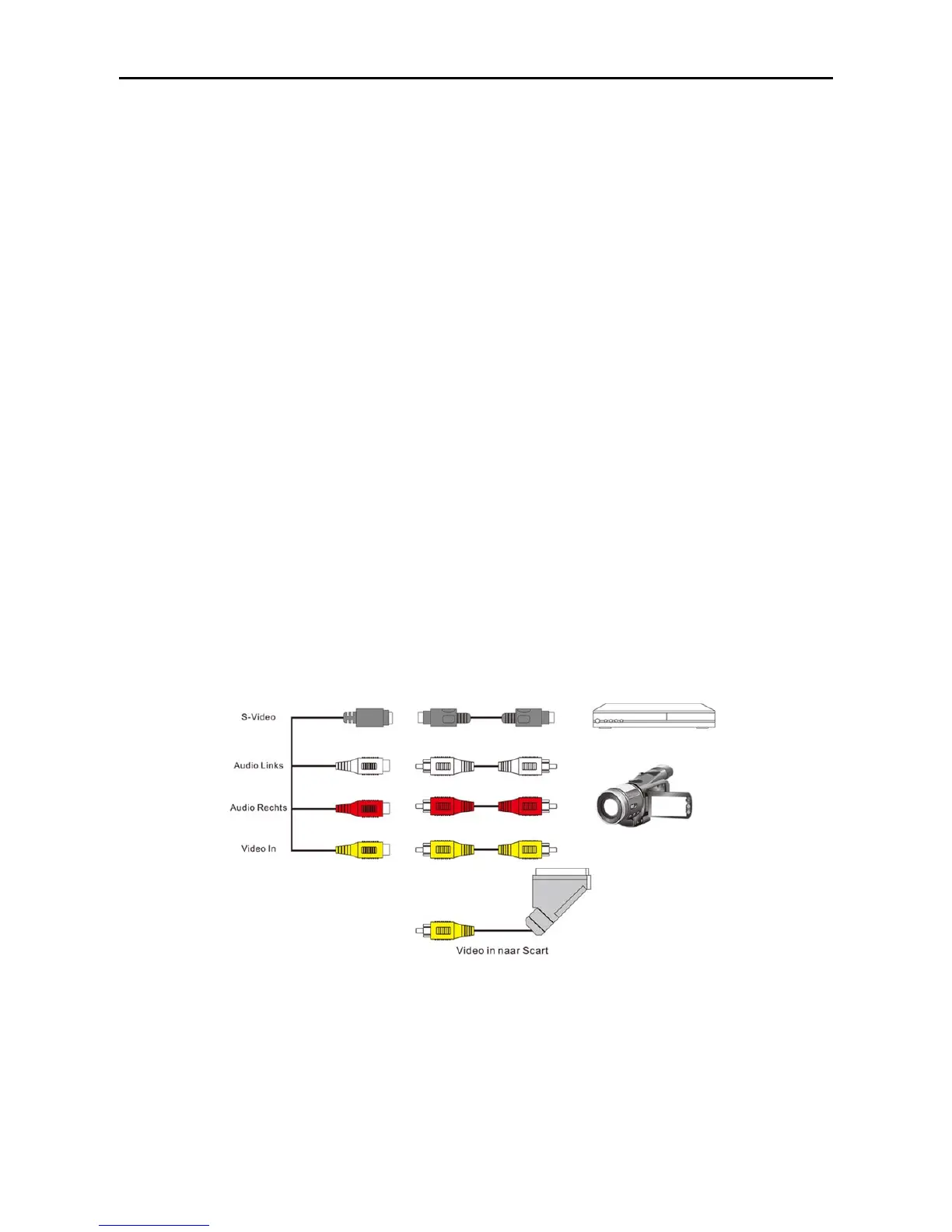
2.Connectyouranalogvideosource(DVD,DVR,VCR,Etc.)tothecompositeorS‐VideoinputontheAVC05
AVCable.
*RCAcableorSCARTAdapternotincluded
NOTE:
Afteryouconnectthephysicalhardwaretothecomputer,itislikelythatyoumayreceivepromptsfor
installation.Pleaseclosethesespecificpromptsasthesestepswillbeperformedduringsoftware
installation.


 To Next Page