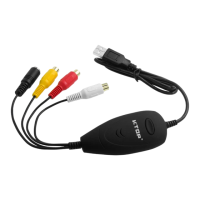
USBVideoGrabberAVC05EN
DriverInstallation‐Windows®
AfterHardwareInstallation,the“FoundNew
HardwareWizard”willopen.Click“Can cel”toclose
thewindow.
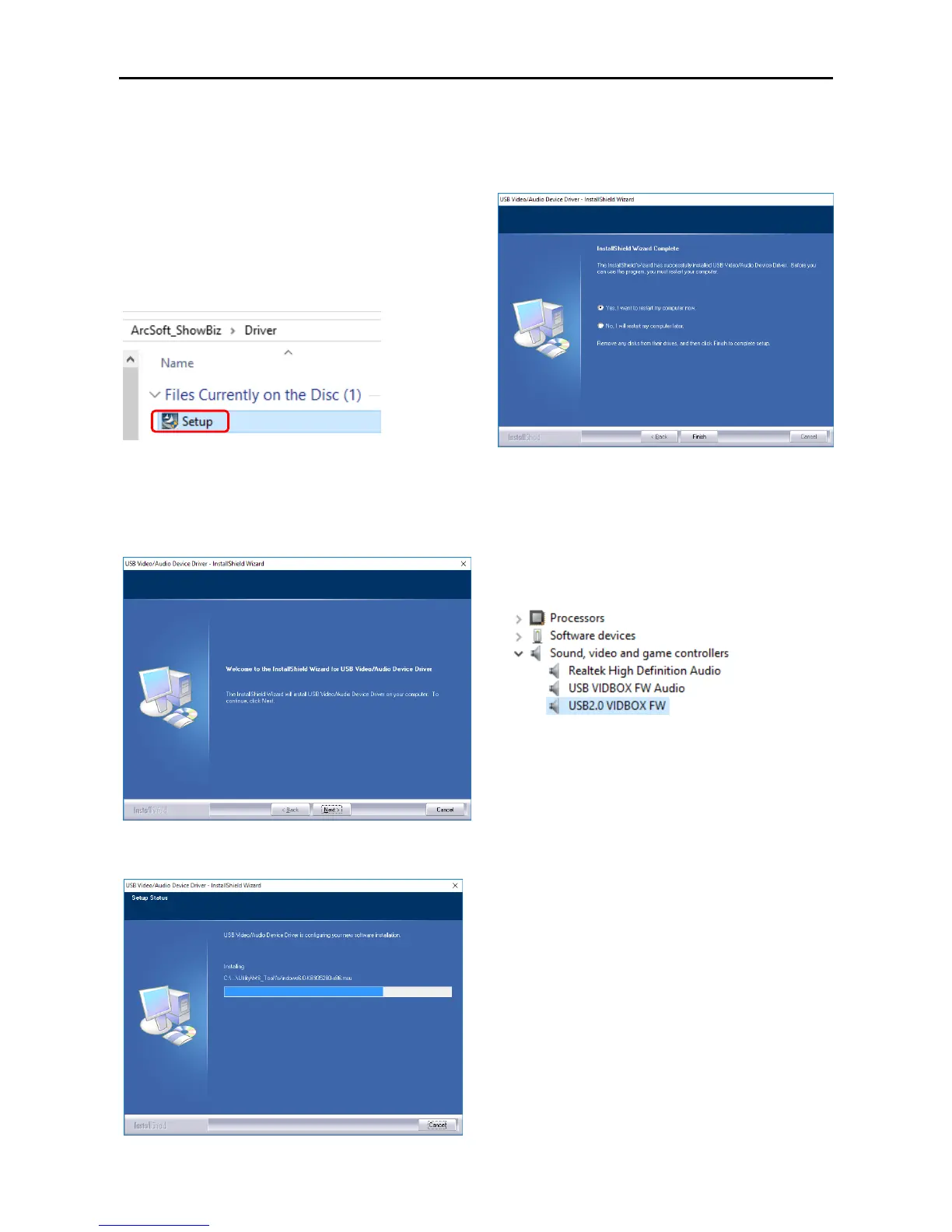
1.InserttheincludedDriverandSoftwareDiskinto
yourDVD‐ROMdrive.Runthesetup.exetostart
driverinstallation.
[CD:\ArcSoft_ShowBiz\Driver\setup.exe]
3.IfaWindowsSecuritydialogwindowappears,
clickthe“Run”or“Installthisdriversoftware
anyway”optiontoproceed.
4.Click“Next”tocontinuedriverinstallation.
5.Thesoftwarewillinstallallrequireddriversand
settings.
6. Click“Yes,Iwanttorestartmycomputernow.”
tocompletethedriverinstallation.
VerifyingtheDriverInstallation
ConnecttheAVC05USBporttoComputerUSB2.0
Portafterthedriverinstallation.TheOpenDevice
Managertofindthe“USBVIDBOXFWAudio”
and”USB2.0VIDEBOXFW”.Otherwiseyouneed
reinstallthedriveragain.


 To Next Page