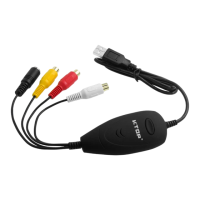
USBVideoGrabberAVC05EN
ArcSoftShowBizInstallation‐Windows®
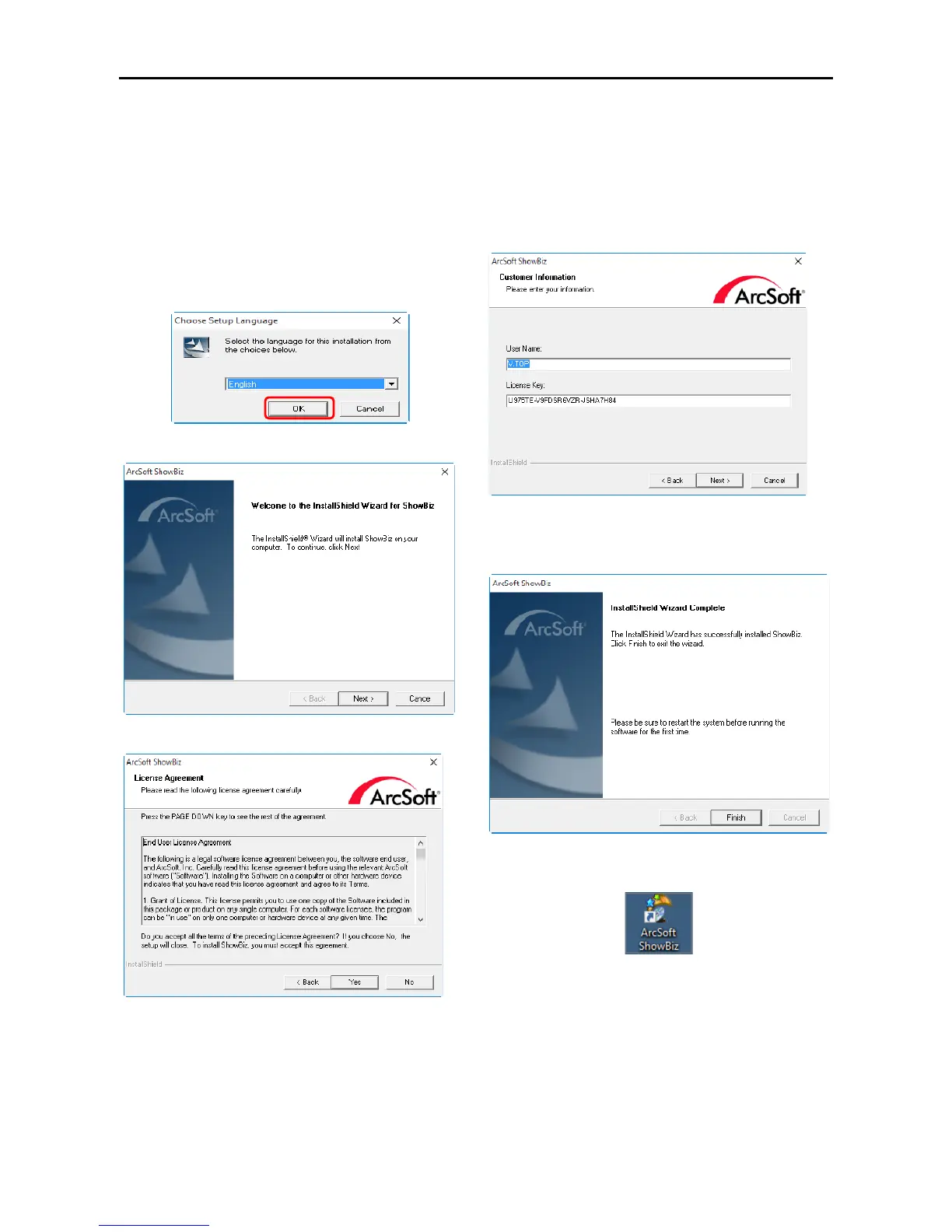
1.InserttheincludedCDDriverintoyour
DVD‐ROMdrive.ExecutetheArcSoftShowBiz
setup.exefile.[Note:Runasanadministrator.]
[CD:\ArcSoft_ShowBiz\ArcSoft_ShowBiz\setup.exe
]
2.ChoosetherightLanguage.Click“OK”tobegin
theinstallation.
3.Click“Next”tocontinueArcSoftinstallation.
4.Click“Yes”tocontinueArcSoftinstallation.
5. InputthecorrectLicenseKeyoftheArcSoft
Showbiz.[Note:Thelicensekeyisatthebackofthe
CD.K eepyourlicensekeyinasafeplacebecause
weareunabletoprovideareplacementincaseof
loss.]
6.Afterselectthe“DestinationFolder”and
“ProgramFolder”,click“Finish”toendthe
installation.
7.TheArcsoftShowBiziconwillbeonyourdesktop
(Desktop).


 To Next Page