ENGLISH
- 20 -
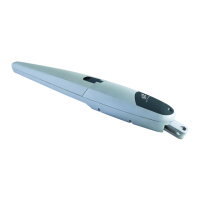
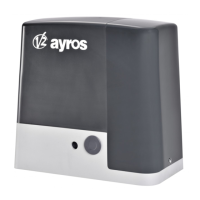
FIG.13
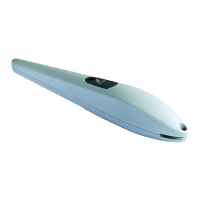
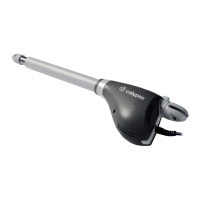
FIG.14
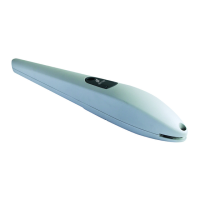
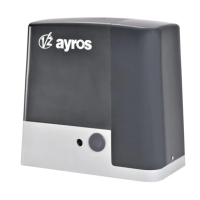
FIG.15
ELECTRICAL CONNECTIONS
m CAUTION!
• A wrong connection can cause faults or danger; therefore
follow scrupulously the connections set out.
• Perform the connection operations when the electricity is off.
To connect the gear motor to the control unit, proceed as follows:
1. Remove the lid of the gear motor as shown in fig. 13.
1
2
2. Loosen the cableway of the gear motor and insert the
connecting cables inside it (fig. 14)
1
2
3. Connect the various wires and grounding cable, exactly as
shown in the wiring diagram of fig. 15
M
ES128700
4. Replace lid on gear motor.
To check the connections, direction of rotation of the motor,
phase shift in the movement of the leaves and setting the
limit switch, refer to the instructions manual of the control
unit.


 To Next Page
 Loading...