ON SCREEN DISPLAY
Button Function
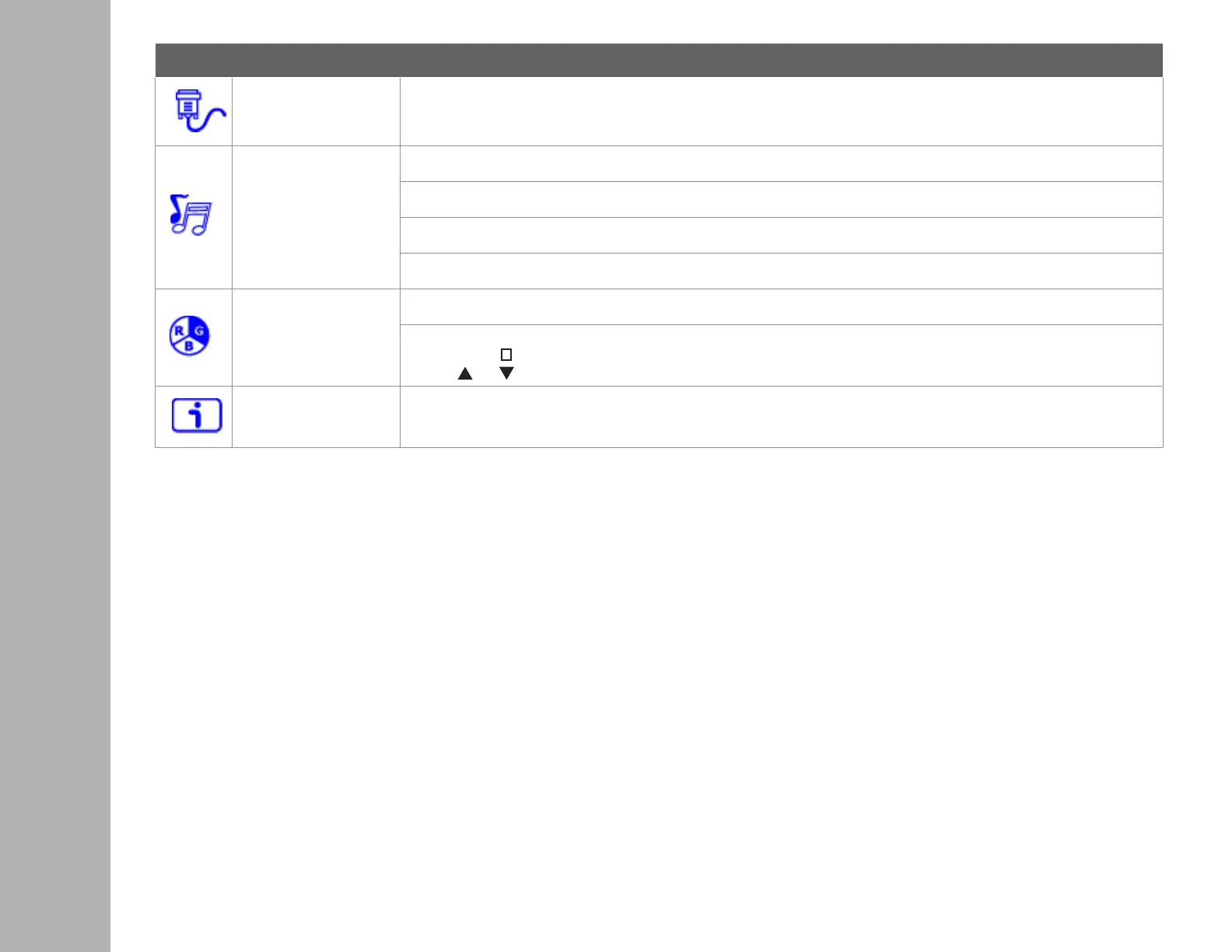
Input Source When Input Select is pressed, change Input signal to VGA, HDMI, or Auto
Audio Adjustment
To adjust the audio functions.
Volume: To adjust the volume of speaker output.
Mute: To turn the Mute ON/OFF.
Audio input: When in HDMI input, select where the audio source comes from Line-In or HDMI.
Color Setting
Color modes: cool, normal, warm and user color
User color: Individual adjustments for red (R), green (G), blue (B).
1. Press button
2
to select the desired color.
2. Press or button to adjust selected color.
Information
To display the information, regarding the current input signal coming from the graphic card in your computer.
Note: See your graphic card user guide for more information about changing the resolution and refresh rate.


 To Next Page