ON SCREEN DISPLAY
Button Function
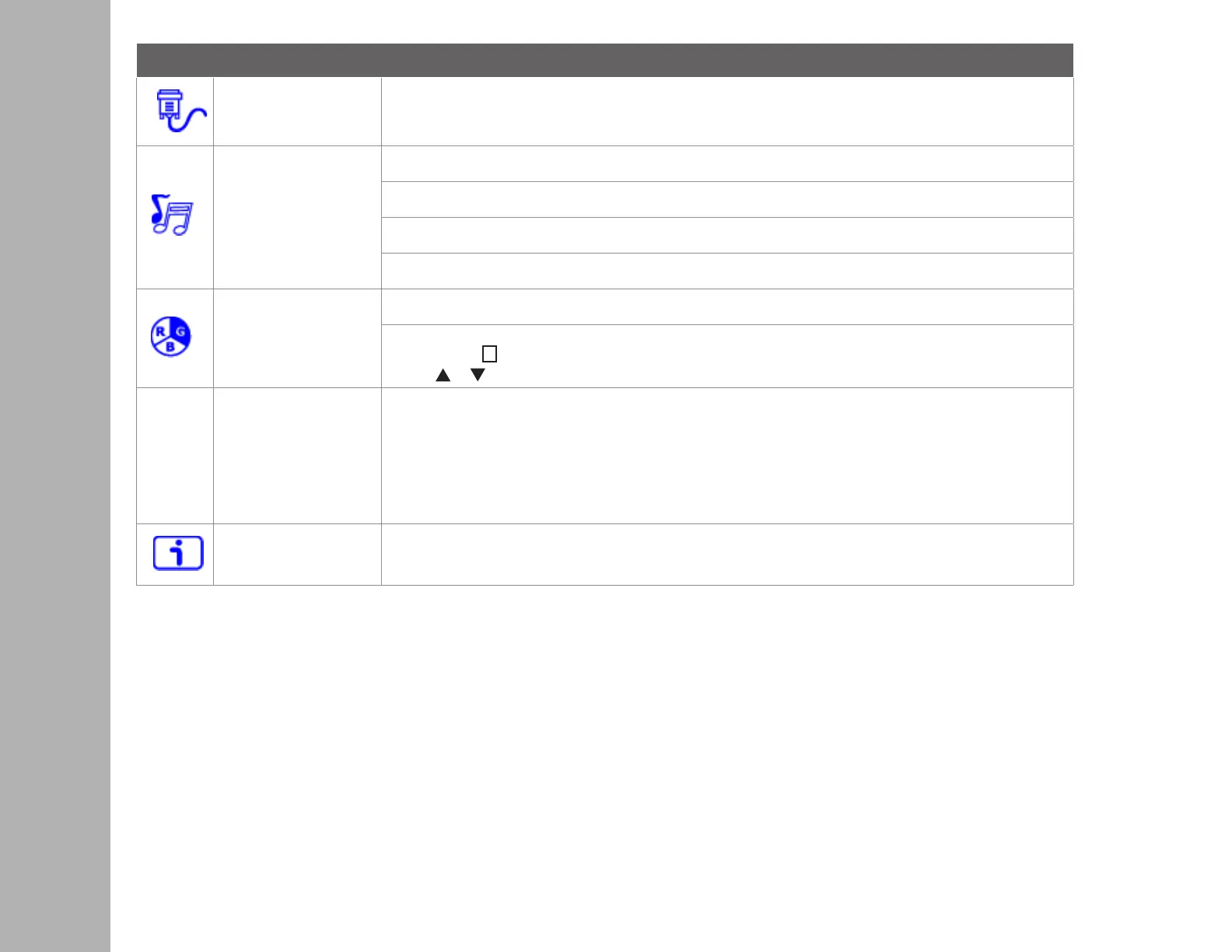
Input Source When Input Select is pressed, change Input signal to VGA, DVI and HDMI.
Audio Adjust
To adjust the audio functions.
Volume: To adjust the volume of speaker output.
Mute: To turn the Mute ON/OFF.
Audio input: When in HDMI input, select where the audio source comes from Line-In or HDMI.
Color Setting
Color modes: cool, normal, warm and user color
User color: Individual adjustments for red (R), green (G), blue (B).
1. Press button
2
to select the desired color.
2. Press or button to adjust selected color.
Picture mode: Provides an optimum display environment depending on the contents displayed. It contains
5 user-selectable presets.
• Standard is for general windows environment and monitor default setting.
• Game optimized for PC game environment
• Video optimized for movie and video environment
• Scenery optimized for displaying outdoor scenery images.
• Text optimized for text editing and viewing in a word processing environment
Information
To display the information, regarding the current input signal coming from the graphic card in your computer.
Note: See your graphic card user guide for more information about changing the resolution and refresh rate.


 To Next Page