-12-
Note:
Lock the power cord into the lower locking notch rst and then lock it into
the upper locking notch to avoid damaging the power cord.
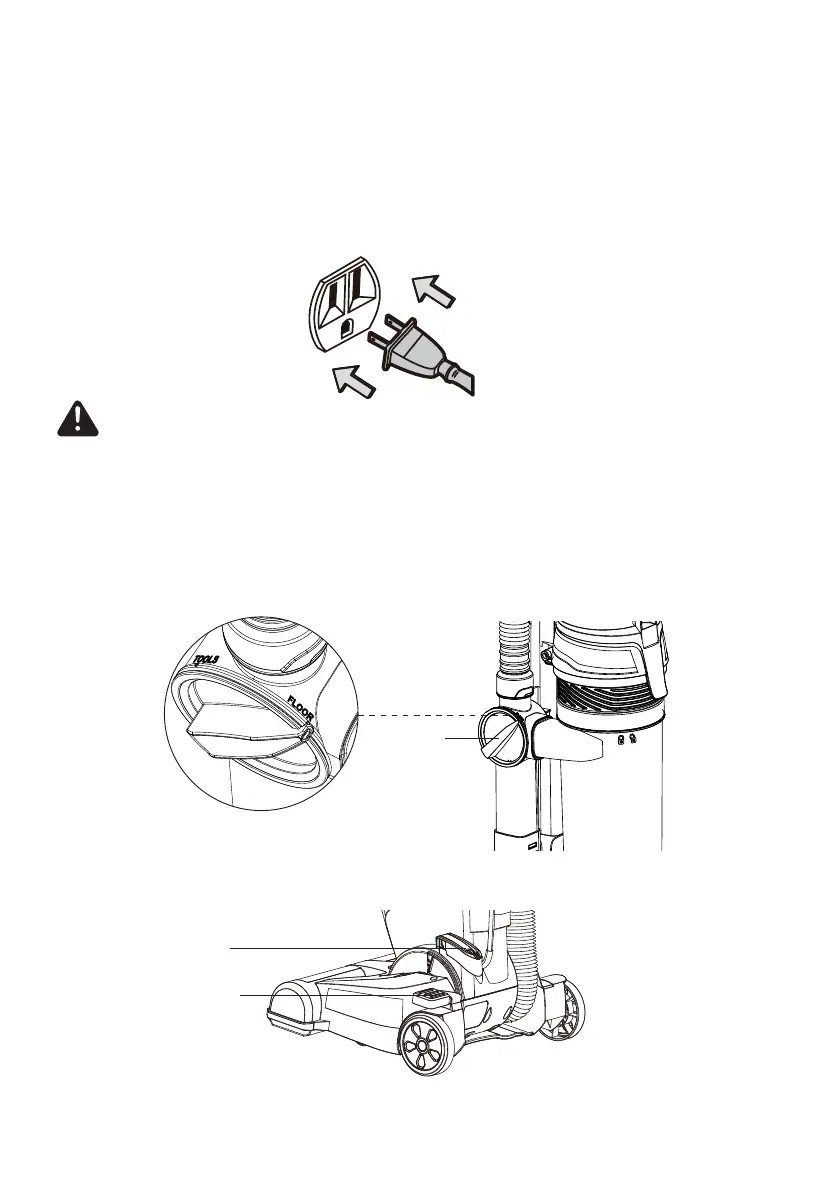
4. Plug the power cord plug into an outlet located near the oor.
5. When vacuuming oors, verify that the oor/tools selector is in the “FLOOR”
position.
6. Release the oor nozzle by placing foot on the oor nozzle release button and
pulling back on handle to change the handle position.
WARNING
To reduce the risk of electric shock, this appliance has a polarized plug (one blade
is wider than the other). This plug will t in a polarized outlet only one way. If the
plug does not t fully in the outlet, reverse the plug. If it still does not t, contact a
qualied electrician to install the proper outlet. Do not change the plug in any way.
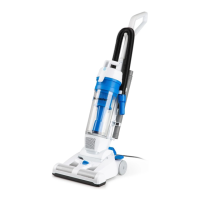
Floor/Tools
Selector
On/Off Button
Floor Nozzle
Release Button








 To Next Page