-23-
TROUBLESHOOTING
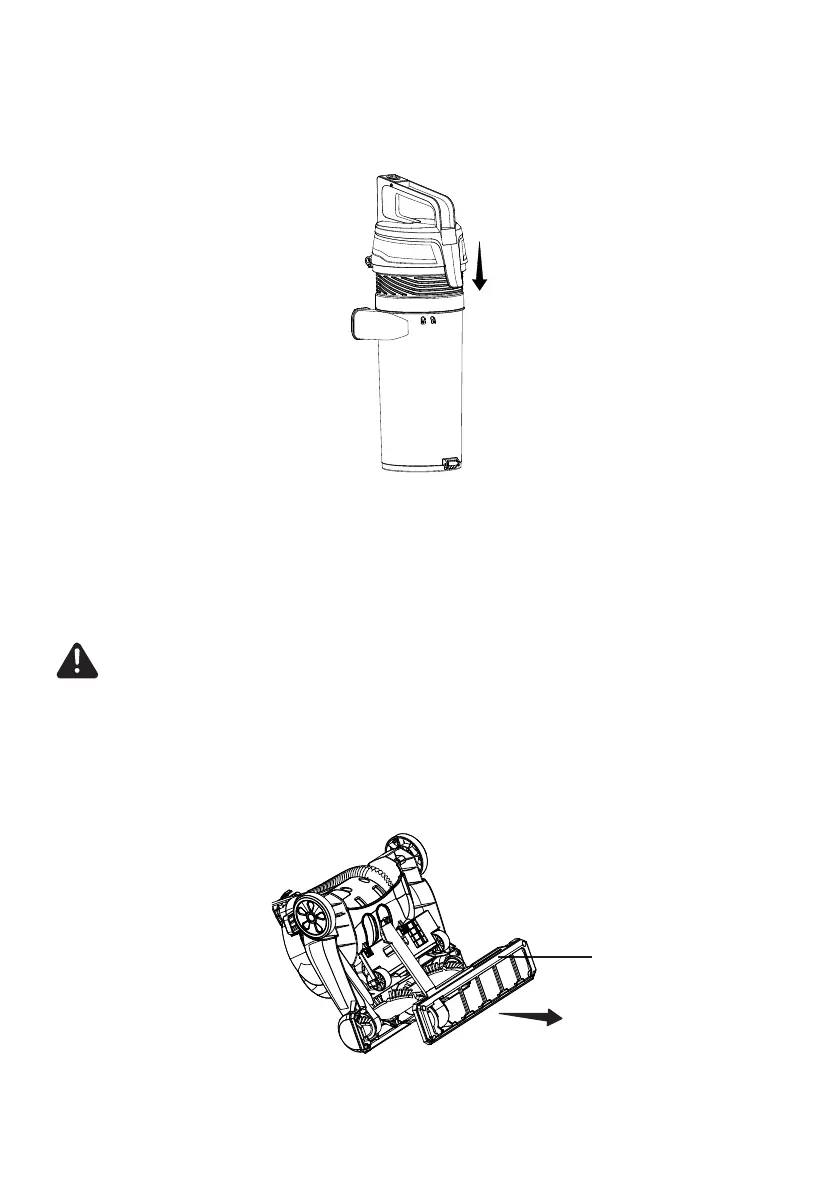
8. Close the dust cup lid until you hear a click.
1. Lay vacuum cleaner on oor with the bottom up and the oor nozzle at.
2. Remove ve screws from the lower plate. Then remove the lower plate from
the oor nozzle.
9. Reinstall the dust cup into the main body. See installation instructions in the
Emptying the Dust Cup.
Changing the Belt
Replace the belt whenever a burning rubber smell caused by excessive slippage
occurs.
WARNING
Always unplug the power cord from an electrical outlet before performing
maintenance to the vacuum cleaner.
Lower Plate








 To Next Page