-14-
Using Your Vacuum Cleaner with Accessories
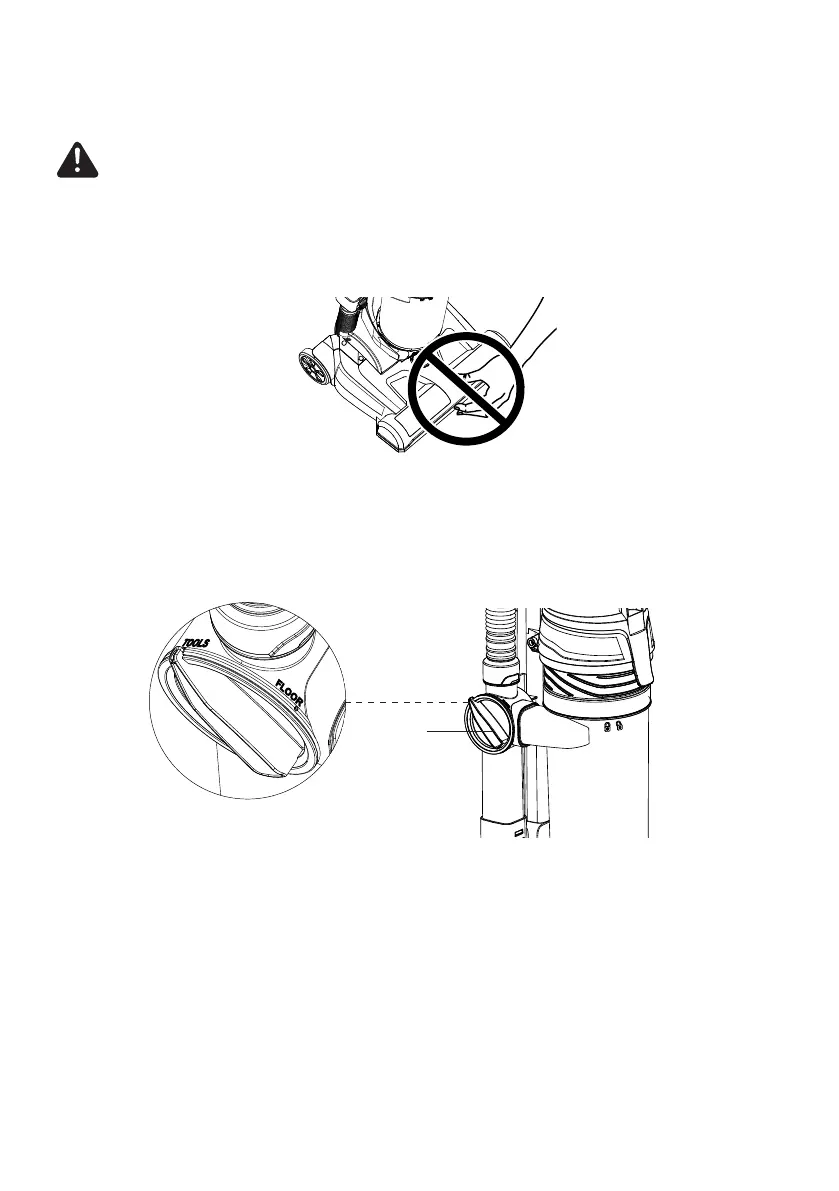
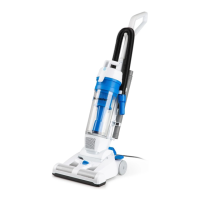
1. Place vacuum cleaner in the upright locked position.
2. Rotate the oor/tools selector from the “FLOOR” position to the “TOOLS”
position until you hear a click.
CAUTION
Moving parts! To reduce the risk of personal injury, DO NOT touch the brush roll
in the oor nozzle when the vacuum is on. Contacting the brush roll while it is
rotating can cause injuries. Always turn off before performing maintenance or
servicing. Use caution when operating near children.
Floor/Tools
Selector








 To Next Page