-16-
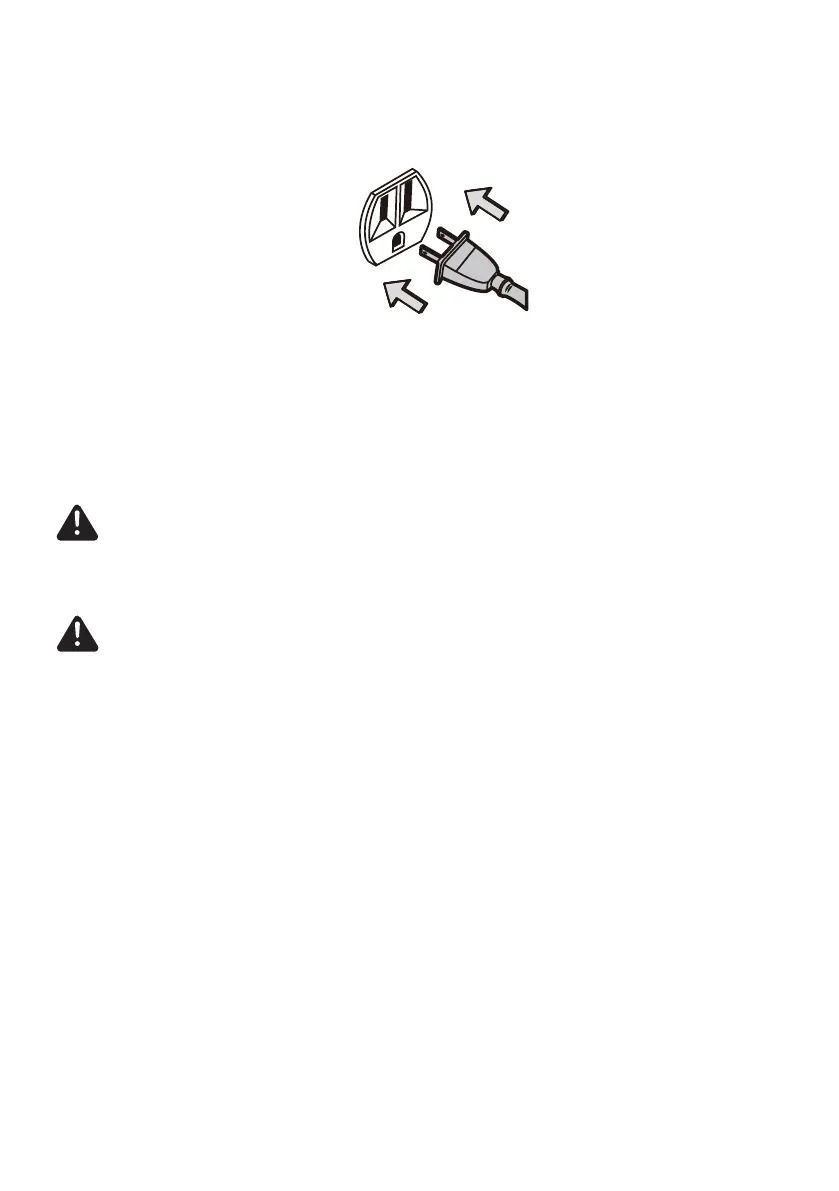
6. Plug the power cord plug into an outlet located near the oor.
7. Press the on/off button to turn the vacuum cleaner on.
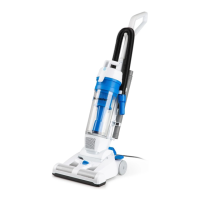
8. Once you have completed vacuuming, press the on/off button, return the
handle to the upright position and unplug the power cord plug from the outlet.
Note:
Remember to rotate the oor/tools selector back to the “FLOOR” position
for standard vacuuming sessions.
Storing Your Vacuum
1. Ensure the hose is locked into place and the accessories are stored on-board.
2. Gather the cord and wrap it loosely around the upper and lower cord hooks.
Lock the power cord plug onto the power cord.
3. Store the vacuum cleaner in a dry, indoor area, on the oor with the handle
locked in the upright position.
CAUTION
When using accessories, be careful not to overextend the hose when reaching to
avoid tipping the vacuum over.
CAUTION
DO NOT pull the vacuum cleaner around the room by the hose. Property damage
or personal injury could result.








 To Next Page