EasyManua.ls Logo

Vacmaster VDK611PF 0201 - User Manual

Vacmaster VDK611PF 0201
18 pages
Print Icon
To Next Page IconTo Next Page
Loading...
FOR YOUR SAFETY
Read and understand this manual before use.
Keep this manual for future reference.
Operators Manual
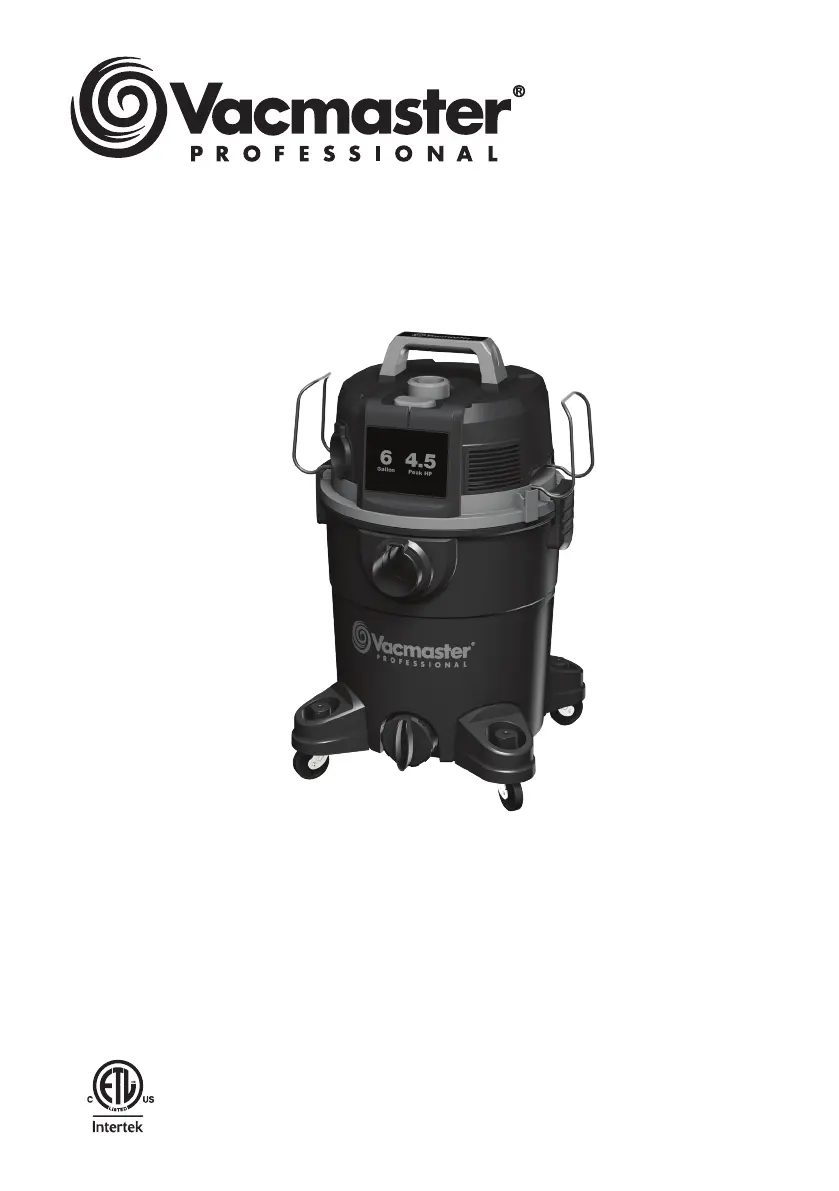
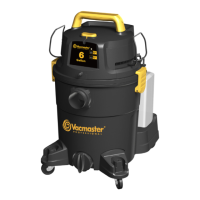
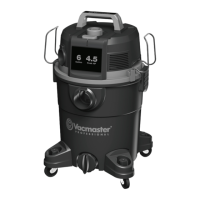
Wet/Dry Vacuum
6 Gallon
Model No.
VDK611PF 0201
Replacement Filters &
Accessories available at:
Vacmaster.com
Suzhou Cleva Electric Appliance Co., Ltd.
NO.8 Ting Rong Street 215122 Suzhou, China

Questions and Answers

  • R
    robinrobinsonJul 29, 2025
    What to do if my Vacmaster VDK611PF 0201 won't turn on?
    • F
      fhowardJul 29, 2025
      If your Vacmaster Vacuum Cleaner isn't turning on, there could be several reasons. First, check the power supply, cord, breakers, and fuses to ensure they are working correctly. A faulty power cord could also be the issue; unplug the vacuum and inspect the cord for damage. If damaged, have it repaired by a professional. Another possible cause is a full collection tank, so empty the tank. Finally, make sure the switch is in the correct position by pressing the ON ‘I’ button on the power head.
  • L
    Laura CohenAug 5, 2025
    Why is my Vacmaster VDK611PF 0201 losing suction and vibrating?
    • T
      Tommy MooreAug 6, 2025
      Reduced efficiency and motor vibration in your Vacmaster Vacuum Cleaner can be caused by a few things. Check the nozzle, hose, and collection tank inlets for blockages. Also, the cartridge filter may be clogged by fine dust; remove the filter and clean it, or replace it with a new one.
  • K
    Kevin MendezAug 13, 2025
    How to stop dust from coming out of my Vacmaster VDK611PF 0201 Vacuum Cleaner motor?
    • L
      Lisa KingAug 13, 2025
      If dust is coming out from the motor cover of your Vacmaster Vacuum Cleaner, it's likely due to the cartridge filter. Ensure the cartridge filter is correctly attached. If it's damaged, replace it. Also, if you've been using the vacuum to collect fine dust without a fine dust filter, install the correct cartridge filter.
  • K
    kimberly08Aug 20, 2025
    What to do if the filter cleaning operation fails on my Vacmaster VDK611PF 0201 Vacuum Cleaner?
    • B
      brittanygibsonAug 20, 2025
      If the filter cleaning operation fails on your Vacmaster Vacuum Cleaner, first ensure that the end of the hose nozzle is completely sealed to prevent air leakage. Also, check that the drain cap is tightened properly. If these steps don't resolve the issue, the cartridge filter may need to be replaced with a new one.

Summary

Important Safety Instructions

Double Insulation Instructions

Extension Cord Guidelines

Understanding Safety Symbols

Unpacking and Carton Contents

General Assembly Instructions

Dry Vacuum Operation

Filter Cleaning Operation

Liquid Vacuum Operation

Blower Operation

Maintenance and Storage

Emptying the Collection Tank

Steps for safely emptying and cleaning the vacuum's collection tank.

Vacuum Storage Guidelines

Recommendations for storing the vacuum cleaner properly.

Repair Information

Guidance on who should perform repairs and the parts to use.

Cartridge Filter Installation and Cleaning

Installing the Cartridge Filter

Instructions for correctly fitting the cartridge filter onto the filter cage.

Removing and Cleaning Cartridge Filter

How to take out and clean the cartridge filter for optimal performance.

Foam Wet Filter Installation and Cleaning

Installing the Foam Wet Filter

Steps for properly attaching the foam wet filter to the filter cage.

Cleaning the Foam Wet Filter

Method for washing and drying the foam wet filter for reuse.

Troubleshooting Common Issues

Exploded View Diagram

Parts List and Identification

Vacmaster VDK611PF 0201 Specifications

General IconGeneral
ModelVDK611PF 0201
Voltage120 V
TypeWet/Dry
Tank Capacity6 Gallon
Hose Length7 Feet
Cord Length10 Feet
ColorRed

Related product manuals