13
◆
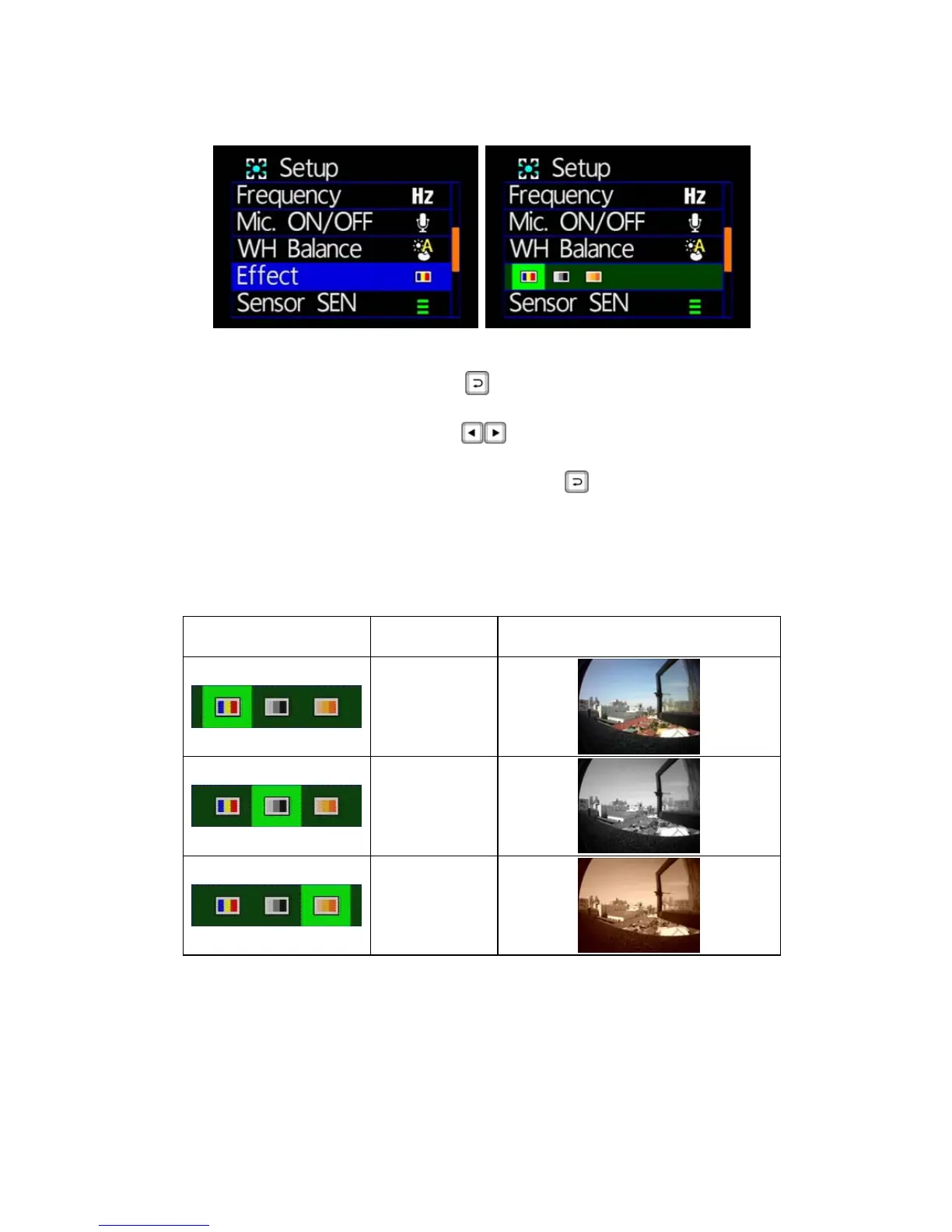
Effects
★Color / B & W / Retro color
Effects: press the remote button, enter the effects settings
page.
Press the remote control
button to select the effect
model.
Setup is complete, press the remote
button to save the
settings.
★Effects model setting, whether in photography or video mode it
will automatically open.
The following table shows picture taken in various effect mode.
Icon Description Picture
Color mode
Black mode
Retro mode



 To Next Page