40
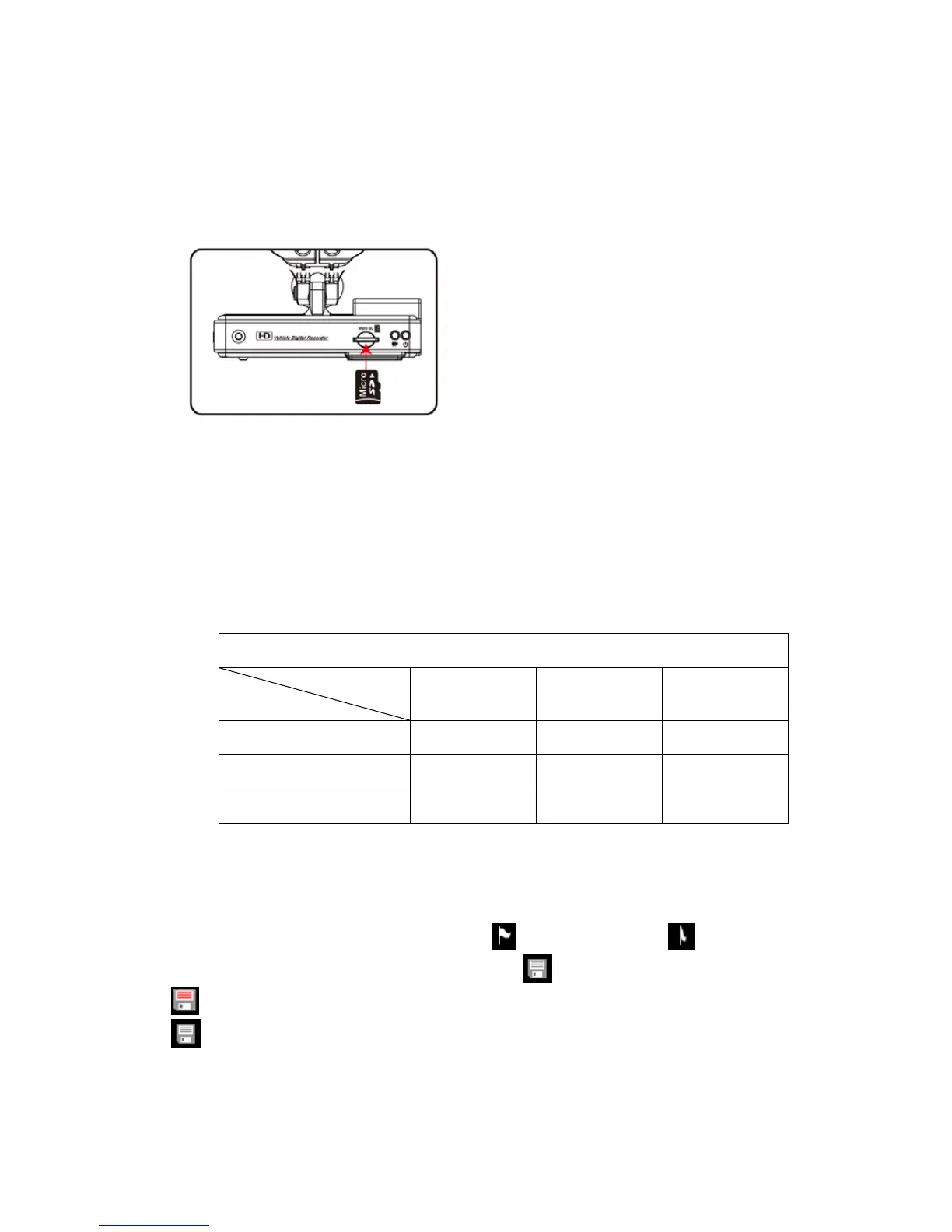
J. Installation of Micro SD Card
Install the Micro SD card into the device before record started.
Procedures for installation of Micro SD card as below:
1. Insert the Micro SD card into the slot,
please mind the install direction.
2. Push the Micro SD card into the slot
flatly.
3. Installation completed after pushing
the Micro SD card
K. Record Time Estimation (based on constant record
mode with 8GB card)
*The chart of estimated record time listed below is for reference
only. The length of time recorded can be varied due to variation in
image size may be somewhat different.
Video Format (NTSC / PAL)
Resolution
Video Quality
1080P30 720P60 720P30
High 110 Min 105 Min 115 Min
Normal 115 Min 110 Min 135 Min
Low 135 Min 130 Min 155 Min
L. Operation for Saving Records as AVI Files
Play records from Micro SD card, select a time period to transfer to
AVI file, decide the beginning point
and end point and mark
them respectively. Press backup mark
to transfer file as AVI file.
: On transferring file to AVI file now
: File transfer completed



 To Previous Page