24
G. Play The Recorded File
Direct playback on machine side
Camcorder mode
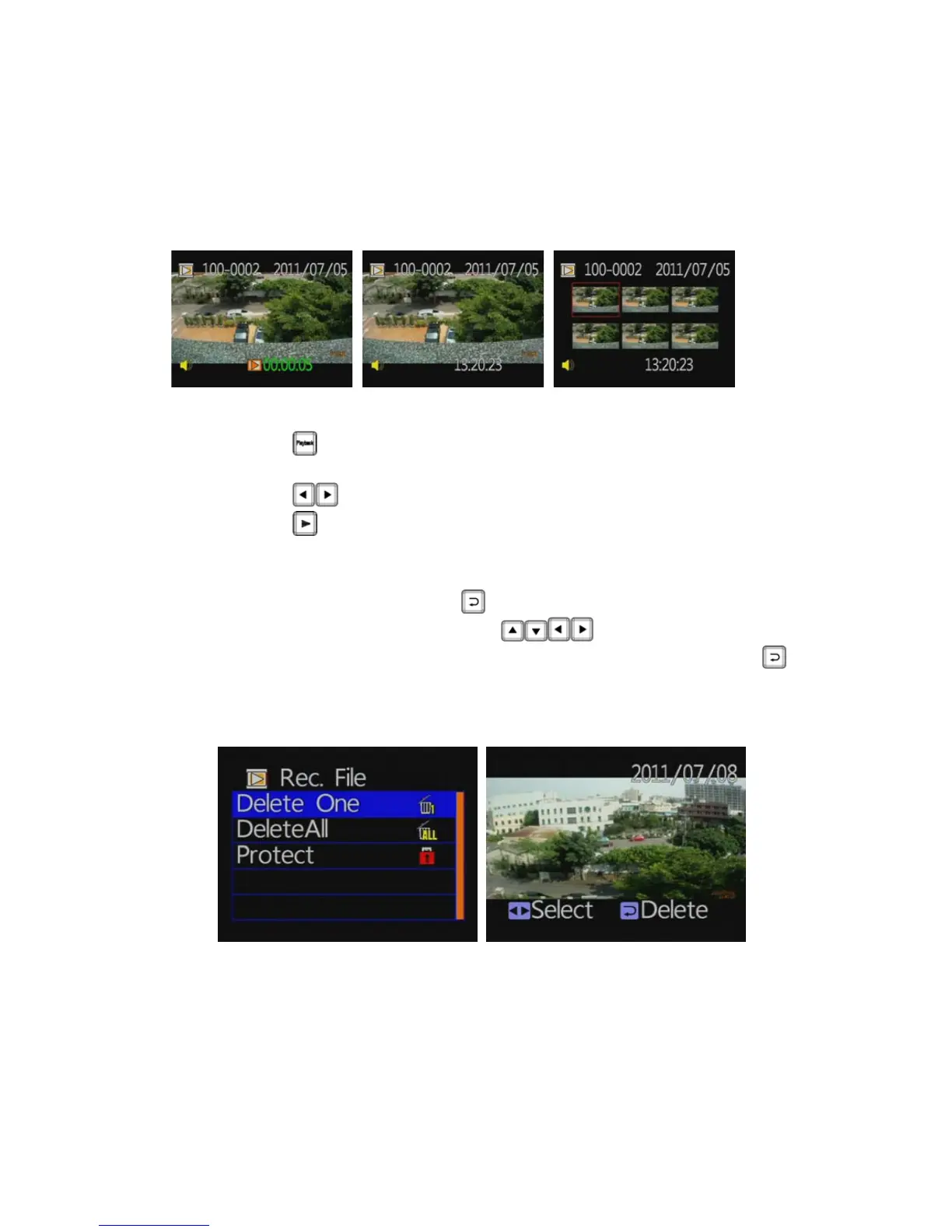
Play back file screen File selecting screen Multi-files selecting screen
Press
button on remote controller under LIVE recording
mode to enter file playback menu.
Press
button to adjust before and after clips.
Press
button to play file.
★When in the playback file page, default is as single file mode.
However, you can press the
button to enter into six separate
screen page, and then press the
button to select the
file you want to play. When you select OK, and then press the
button to return to a single file for playback page.
◆ Playback settings - Deleting a single file



 To Next Page