25
For playback file setting, press button to enter setup
page, press
button to move to delete one item,
then press
enter into deleting page.
Use
button moving to the file you want to delete,
and then press
to start deleting.
★You must disable the protection function first in order to
process the deleting procedures.
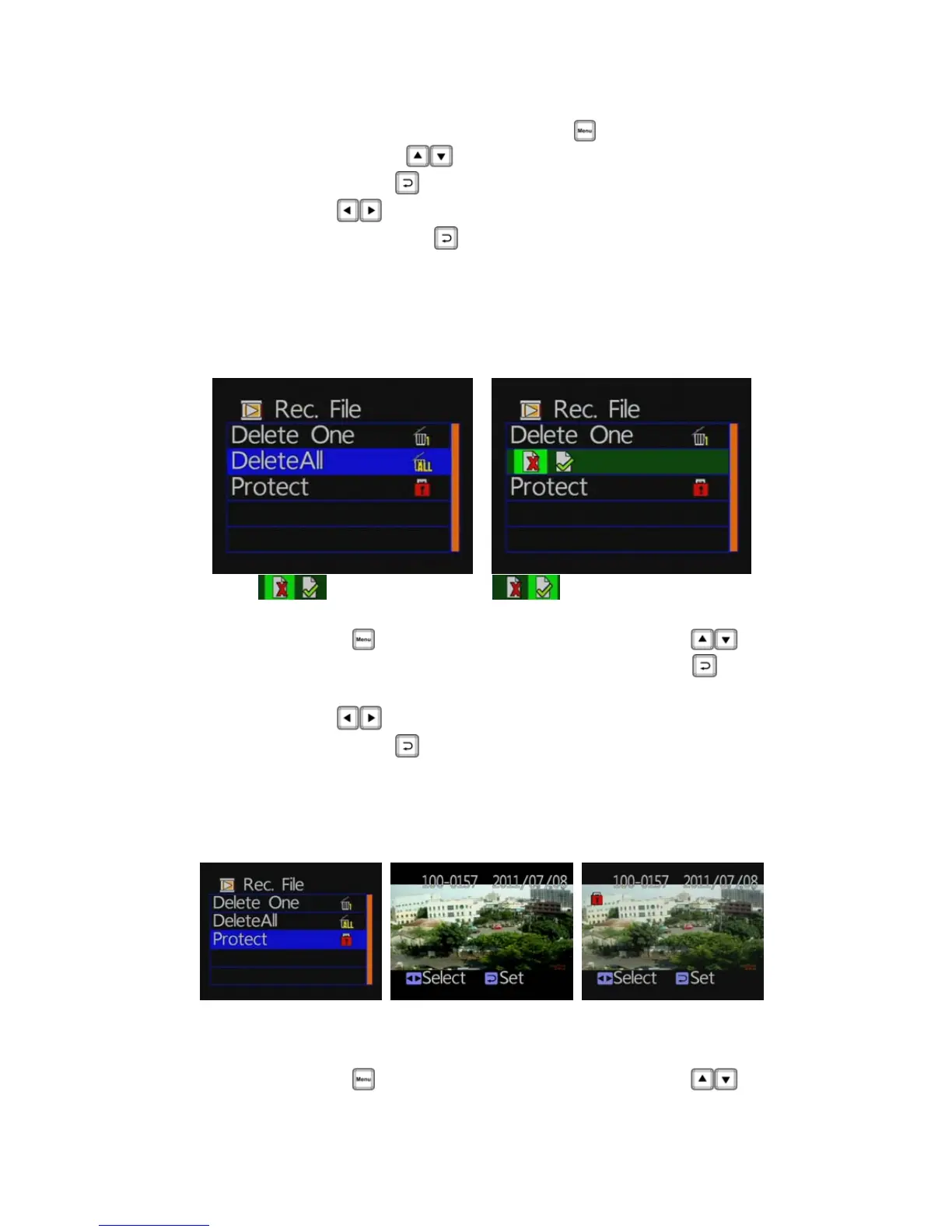
◆ Playback settings- Delete All
: Cancel delete all : Confirm Delete All
Press
button to enter setup page, press
button to move to delete all item, then press
enter
into deleting all page.
Use
button moving to you want to delete all files,
then press
to start deleting.
★You must disable the protection function first in order to
process the deleting procedures.
◆ Playback file setting-protect
★Caution: When the picture has a lock-shaped icon indicates that the data in
protection mode
Press
button to enter setup page, press



 To Next Page