29
H. Software Operating Instruction
1. Remove Micro SD card from card slot of host side
2. Put the Micro SD card to the card reader
3. Connect card reader to the USB port of PC side
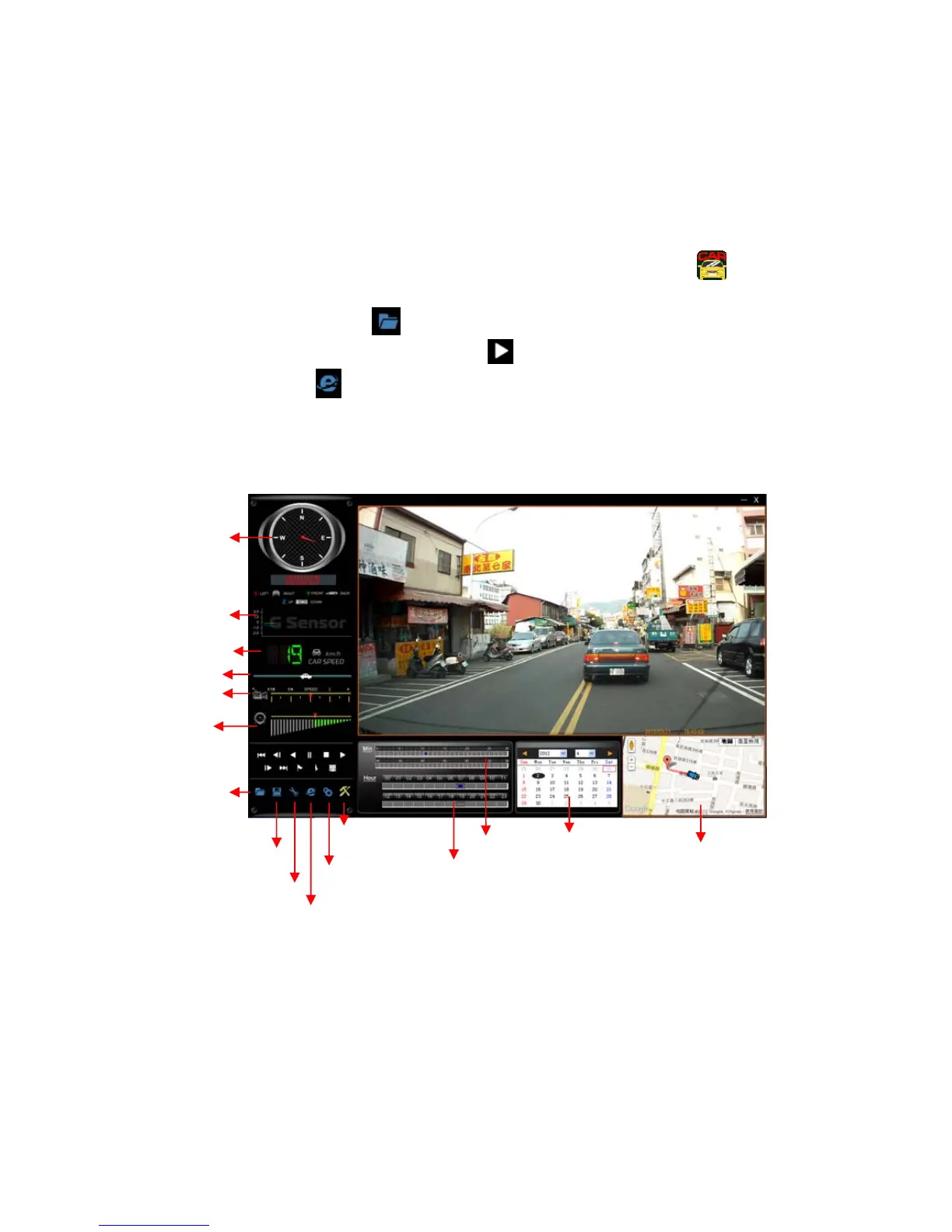
4. Choose the file to play: Execute “TransportStream.exe”
, which
is located in the product CD folder, Screen shown as below. Choose
“Open the document”
, and choose the file of memory card or
hard disc and then click “Play key”
to do playback;when using
playback. Click
key to show the historical routing from Google
map.
◎Note: To perform this software, please install Direct X 9.0 or above.
Viewer interface description
★ Direction, Latitude, Longitude, Speed Meter and Google Map are available for
GPS function of TYPE B.
Voice Volume
Play Speed
Open File
SnapSho



 To Next Page