30
1. Operating Interface Description
1
Return to previous function
2
Forward Playback
3
Playback Key
4
Pause Key
5
Stop Key
6
Play Key
7
Backward Playback
8
Go To Next File
9 Flag to mark starting point of backup file
10 Flag to mark ending point of back up file
11 Back up the marking file
12
Playback, Open file, select files to play
13 Back up the current file
14
Snapshot Tool
15
Google Map, LIVE location display
(TYPE B – GPS model only)
16
Configuration & Machine related settings.
17
Micro SD Card Setting
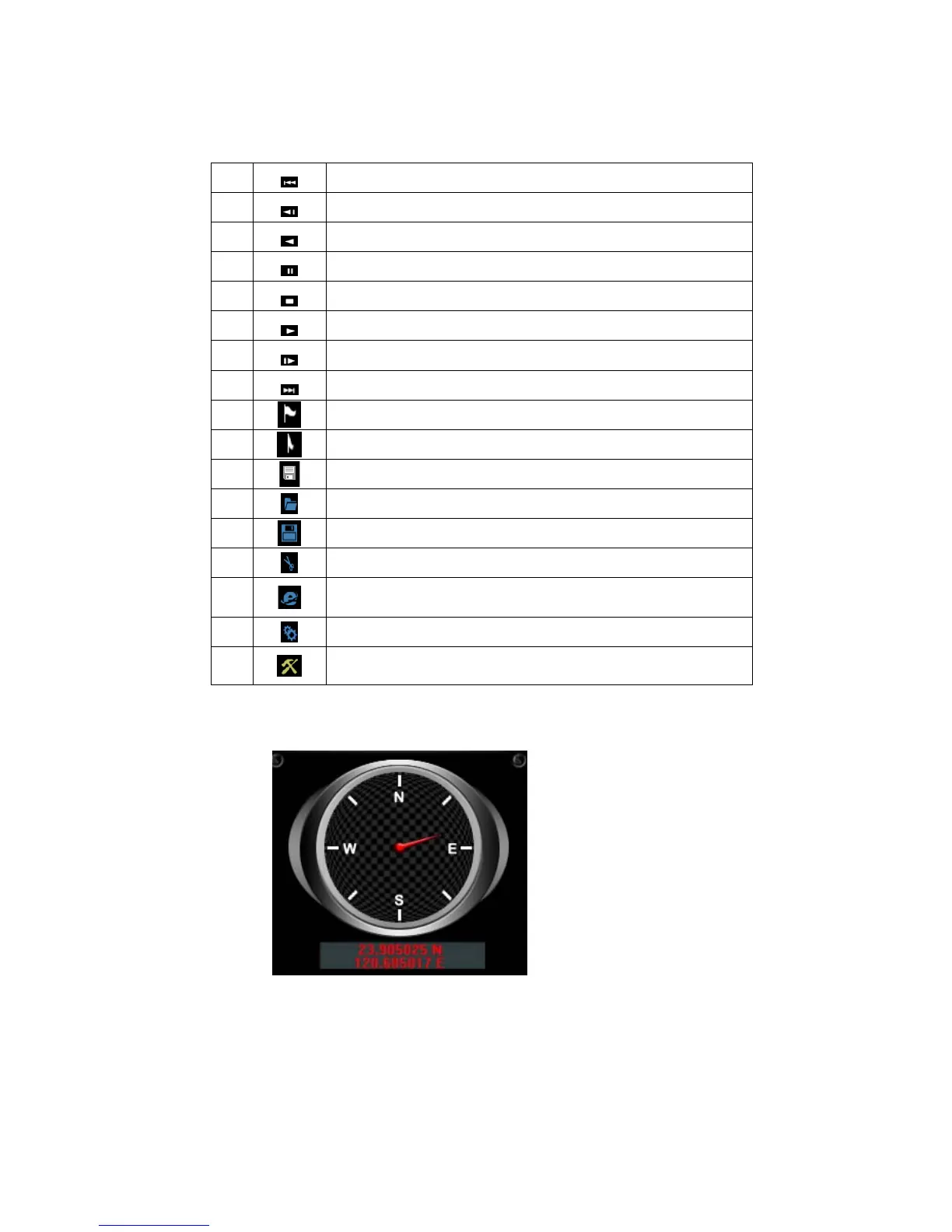
2. Player Interface Description:
Show latitude and longitude position
G-sensor : Impact sensor analyzer, forced saving the
accident video before and after 1 to 3 minutes, not
covered by other new files, protect the integrity of the
incident video.



 To Next Page