27
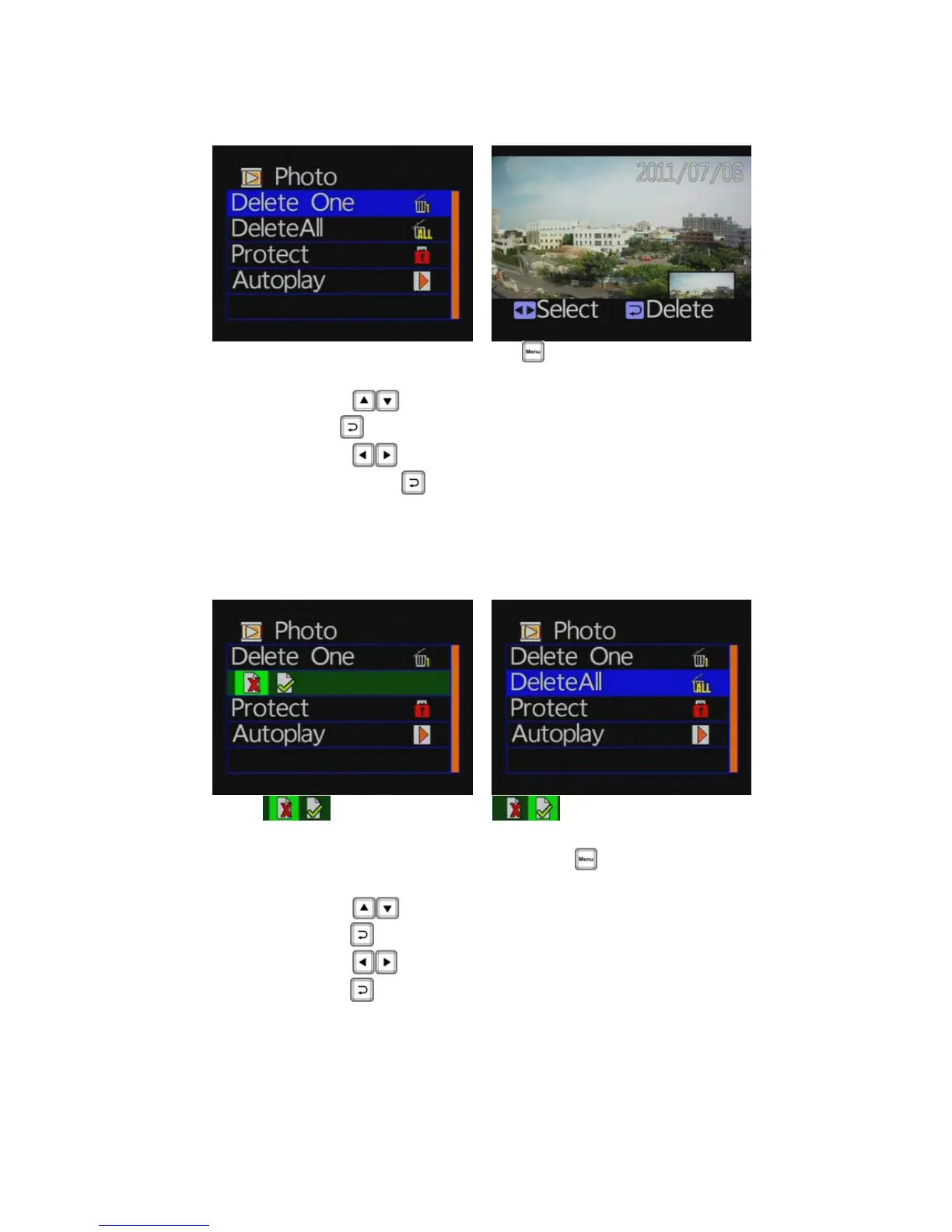
◆ Photo playback settings-Delete one
Photo play setting, press
button entering into setting
page.
Press
button moving to delete one item. Then
press
button to enter delete page.
Press
button to select the file you want to delete.
Then press
button to start deleting.
★ You must disable the protection function first in order to
process the deleting procedures.
◆ Photo playback settings-Delete All
:Cancel delete all : Confirm delete all
Photo playback settings, press
button enter setup
page.
Press
button moving to delete all item. Then
press
button to enter delete all page.
Press
button to confirm delete all files. Then
press
button to start deleting all files.
★You must disable the protection function first in order to
process the deleting procedures.



 To Next Page