32
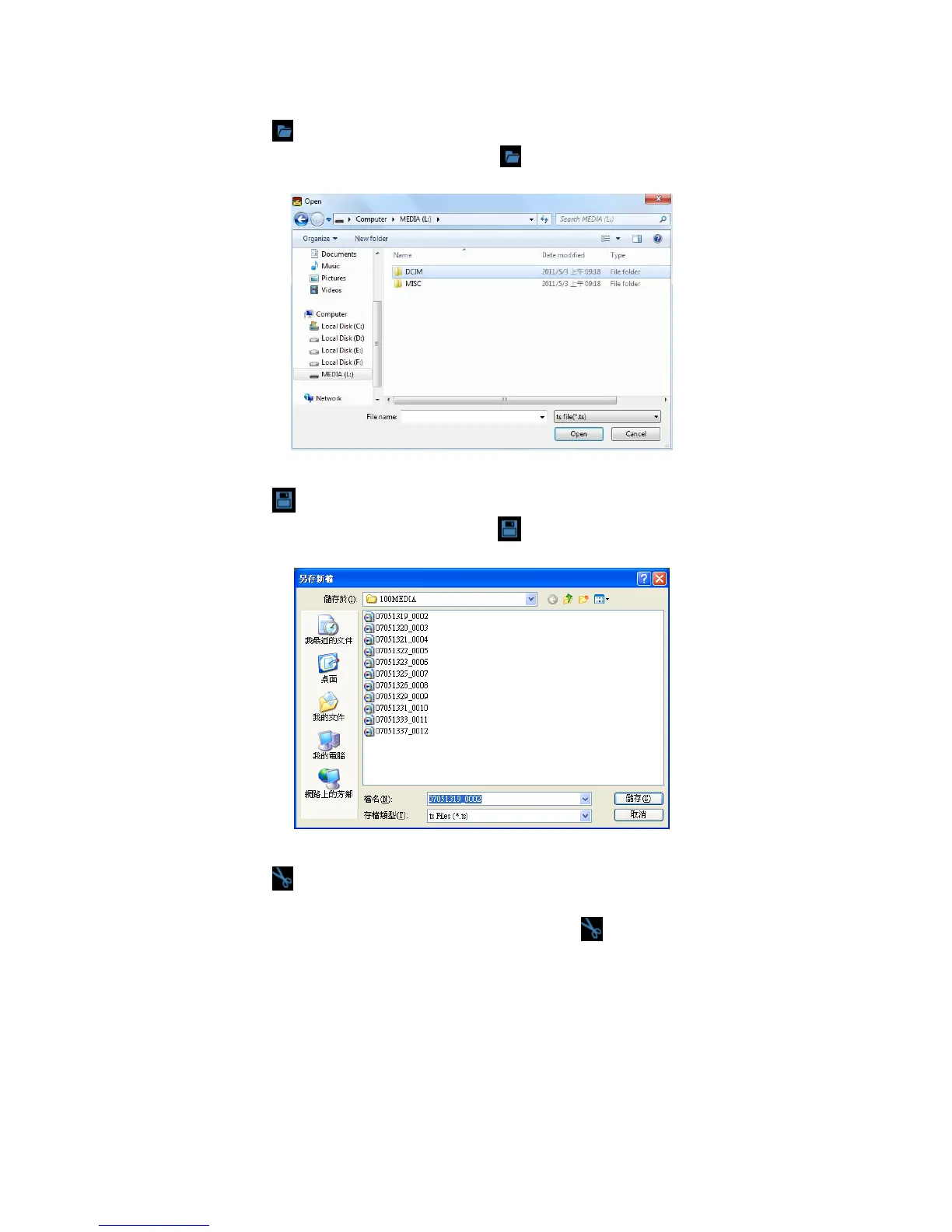
Select the file to playback
Select “ Open the document”
, and then choose the file of
memory card or hard disc. (The file format is *.ts)
Save the playing file
Select “Save the playing file”
, and then choose the file of
memory card or hard disc. (The file format is *.ts)
Snapshot Tool
Play record from Micro SD card first and then use Snapshoot
tool to capture the screen. When select
Snapshoot tool, it
will appear the following window. (The picture of display screen
will save in capture storage folder path.)



 To Next Page